Happy Friday… And, how I miss my beloved son… God bless… Today, I’ll talk about Maix Bit board.
1. Introduction
1.1 lsusb
1 | ...... |
1.2 Hardware Wiki
Detailed specification about Maix Bit board can be found on MaixBit Wiki.
1.3 Software
And, I am using MaixPy-v1 (Please refer to Introduction of MaixPy-v1).
2. Kendryte Toolchain Preparatio
You first need to build the executable toolchains out from the provided Kendryte RISC-V GNU Compiler Toolchain.
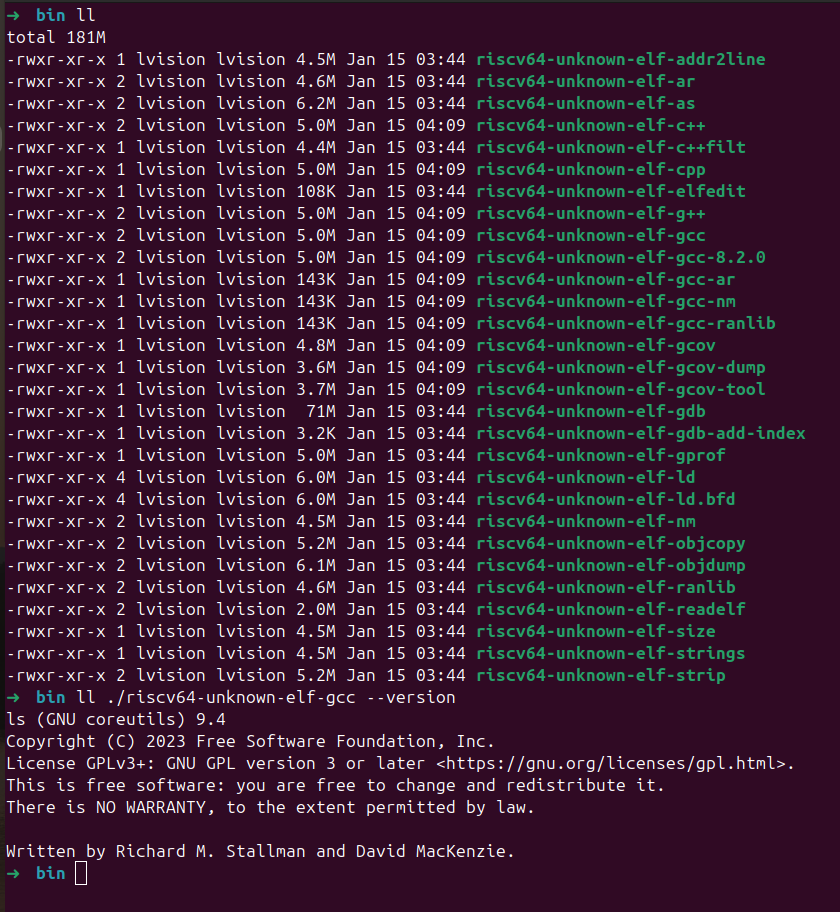
In order to successfully build out the Kendryte toolchain, please handle the same ERROR in the following four files under riscv-binutils-gdb:
./riscv-binutils-gdb/readline/complete.c./riscv-binutils-gdb/readline/display.c./riscv-binutils-gdb/readline/histfile.c./riscv-binutils-gdb/readline/mbutil.c
And modify the above 4 files as follows:
- Add
1 | #ifndef _XOPEN_SOURCE |
at the very top for each file.
- Add
#include <wchar.h>before line#include <sys/types.h>for each file.
3. Build and Flash maixpy_k210
3.1 To Build - 3 Commands
python3 project.py --toolchain /opt/toolchains/kendryte/kendryte-toolchain/bin --toolchain-prefix riscv64-unknown-elf- configpython3 project.py menuconfigpython3 project.py build
3.2 To Flash - Key Points
- Find a good USB Type-C cable
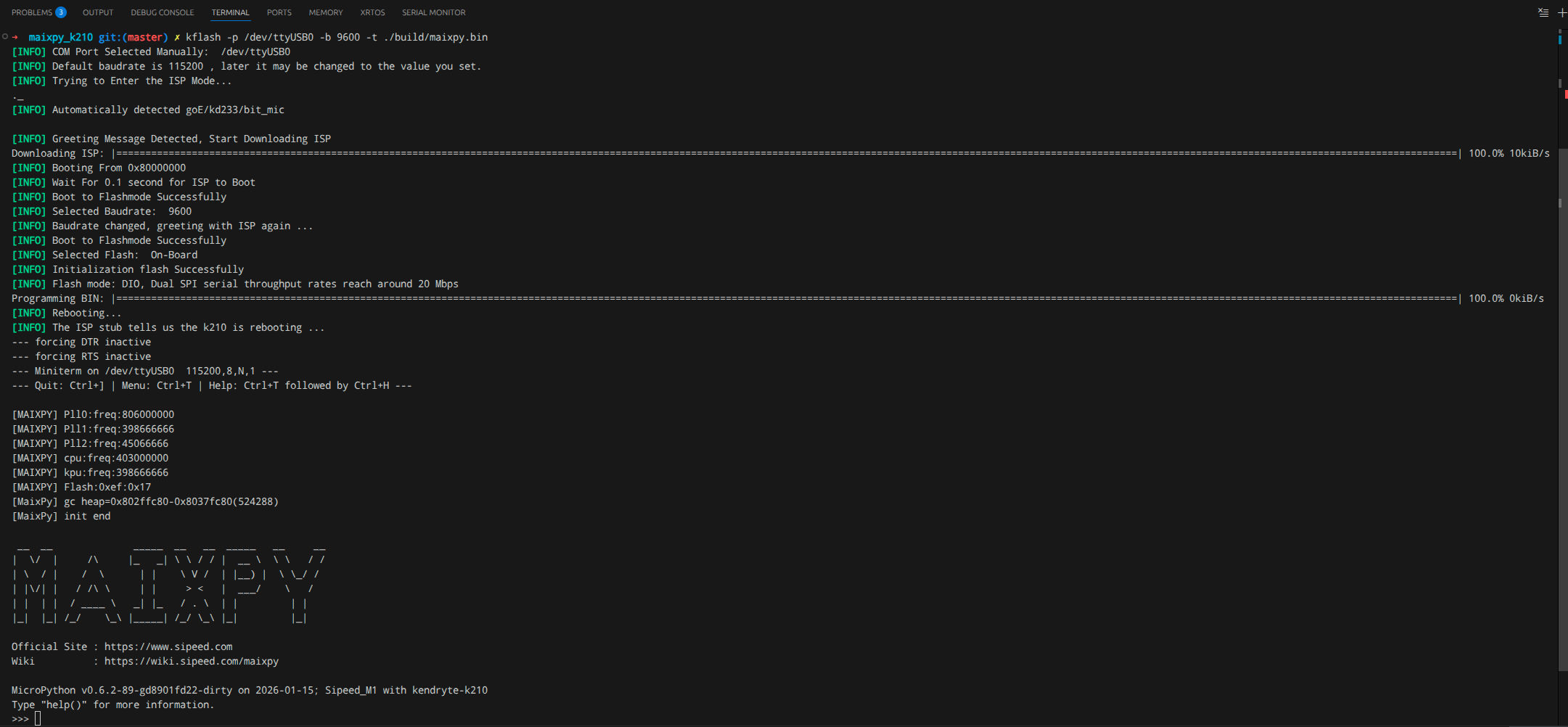
- You may need to flash at a lower baud rate.
- Two commands:
python3 project.py flash -B dan -b 1500000 -p /dev/ttyUSB0 -t- In my case:
kflash -p /dev/ttyUSB0 -b 9600 -t ./build/maixpy.bin
4. Camera and LCD
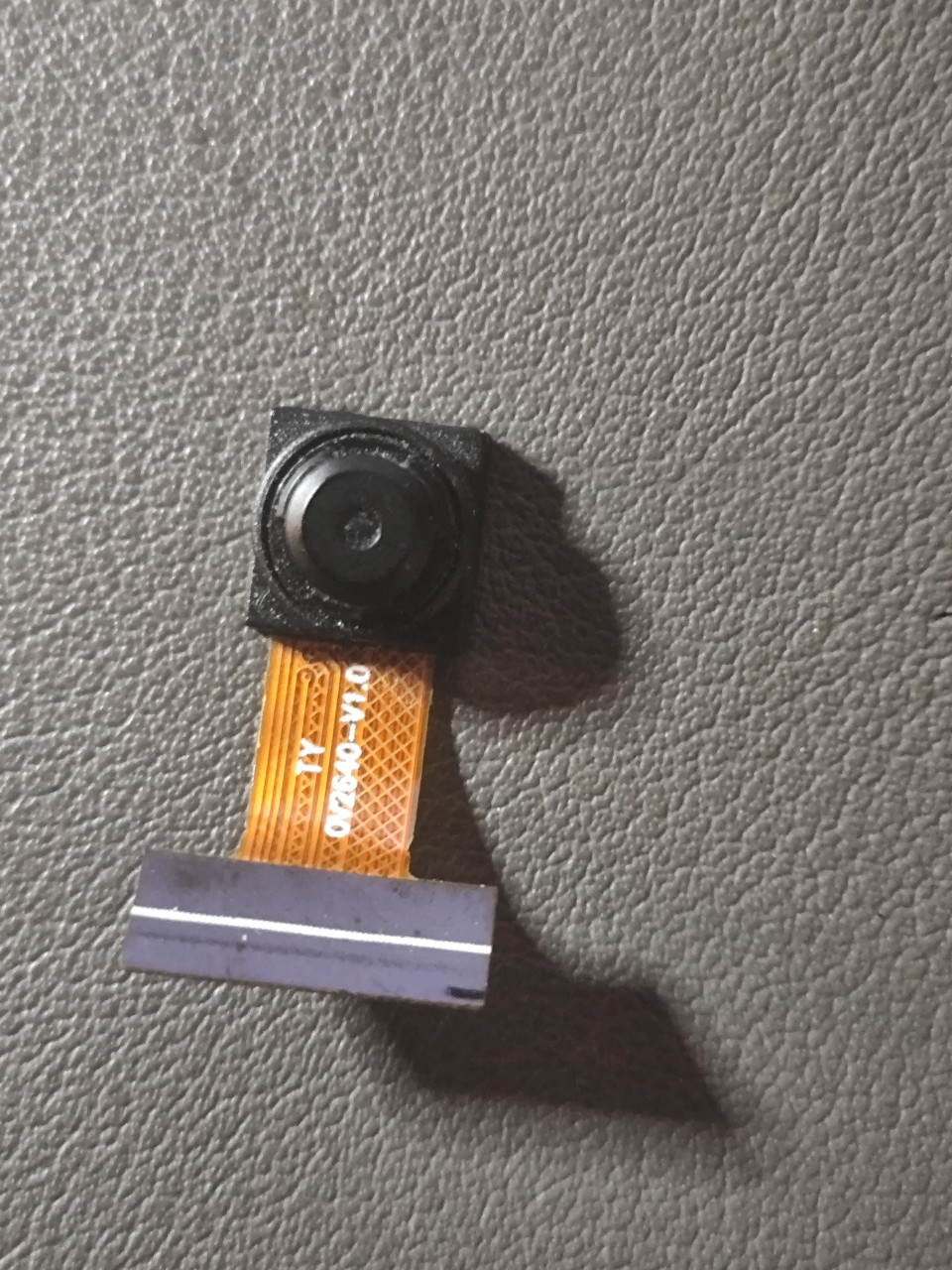
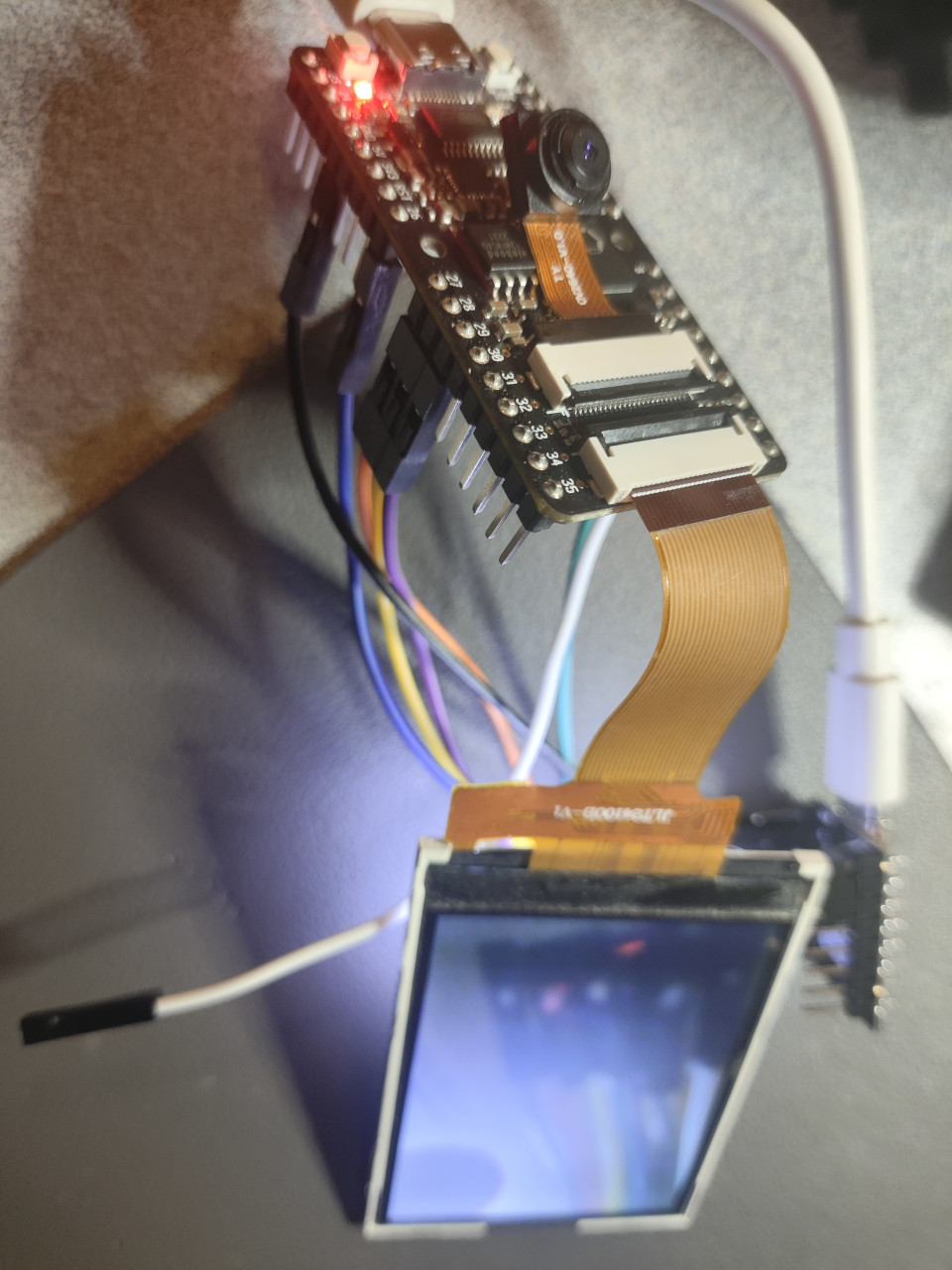
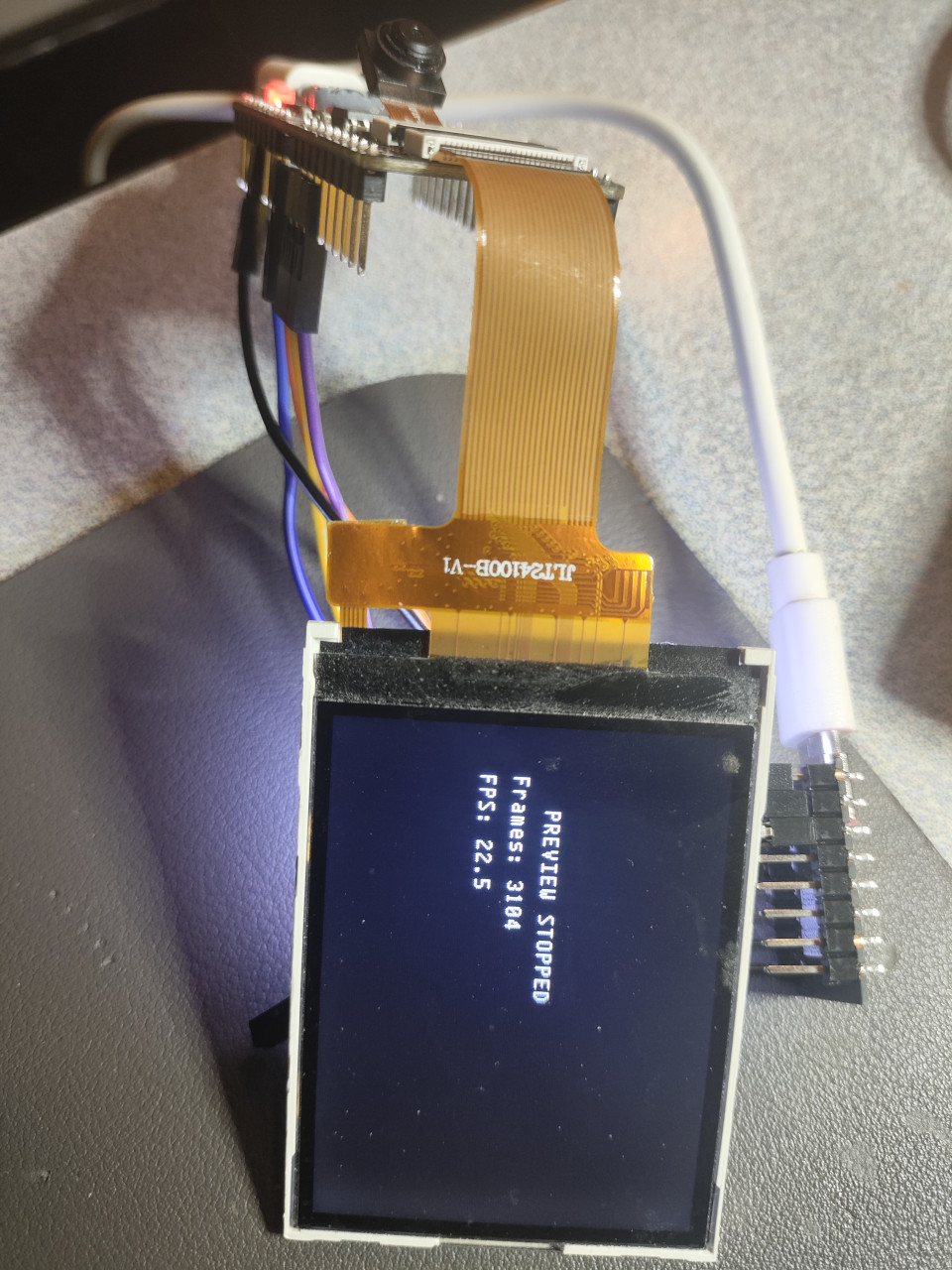
| OV2640 | Camera Live Stream with LCD Display | FPS at The End |
|---|---|---|
 |
 |
 |
5. SPI Test
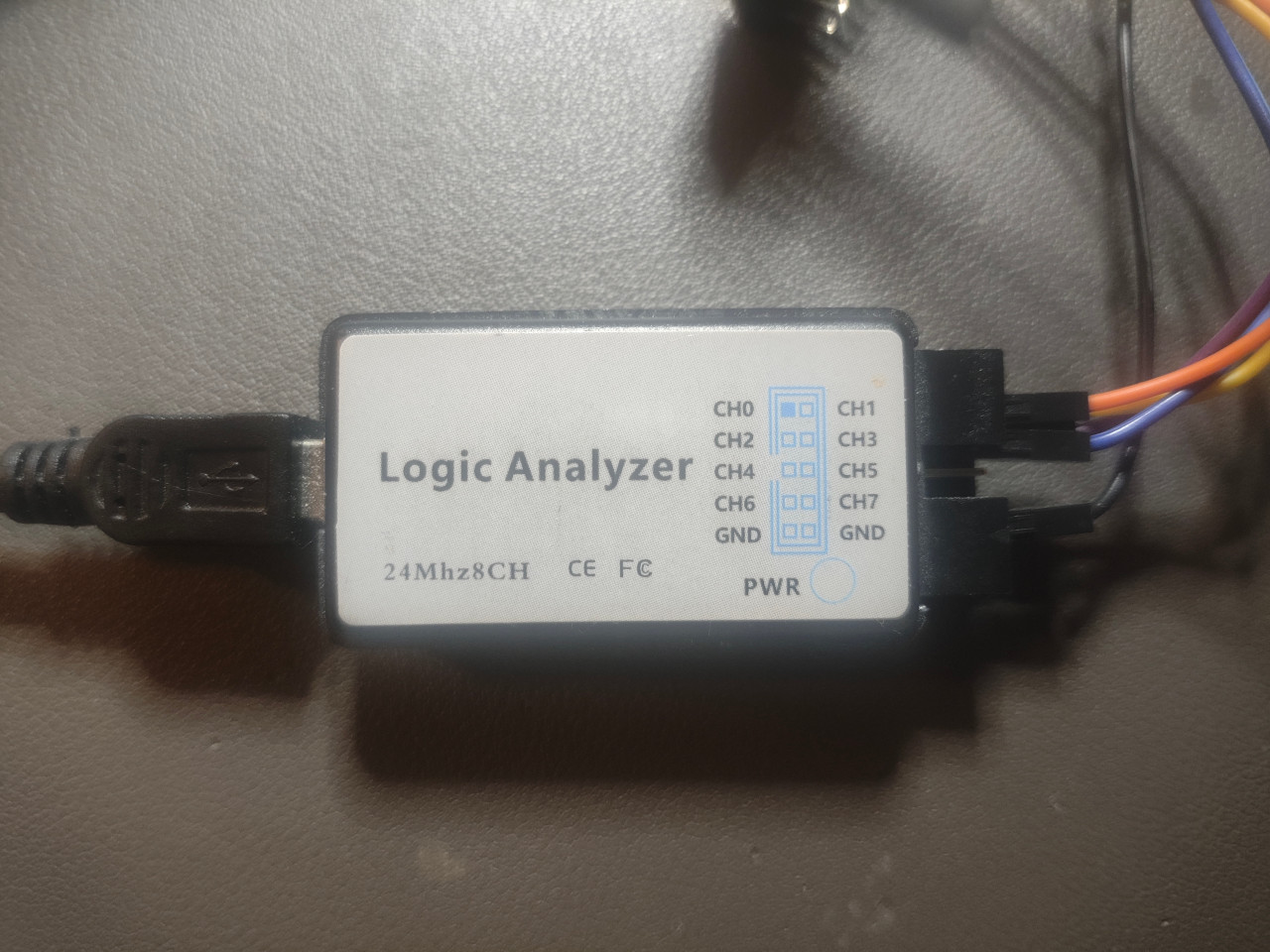
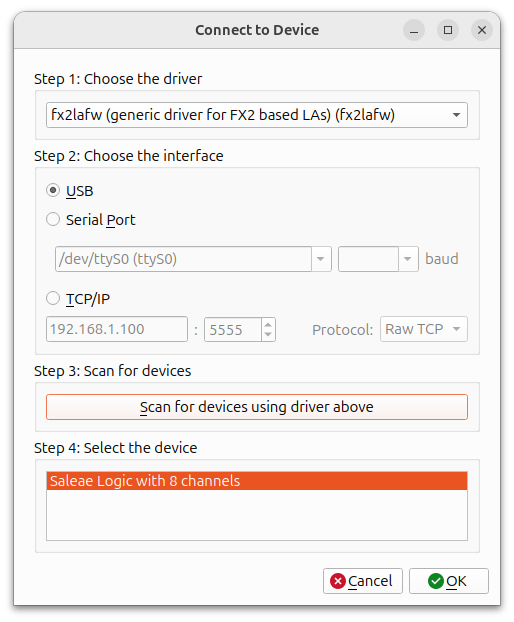
| My Logic Analyzer | Driver sigrok-firmware-fx2lafw |
|---|---|
 |
 |
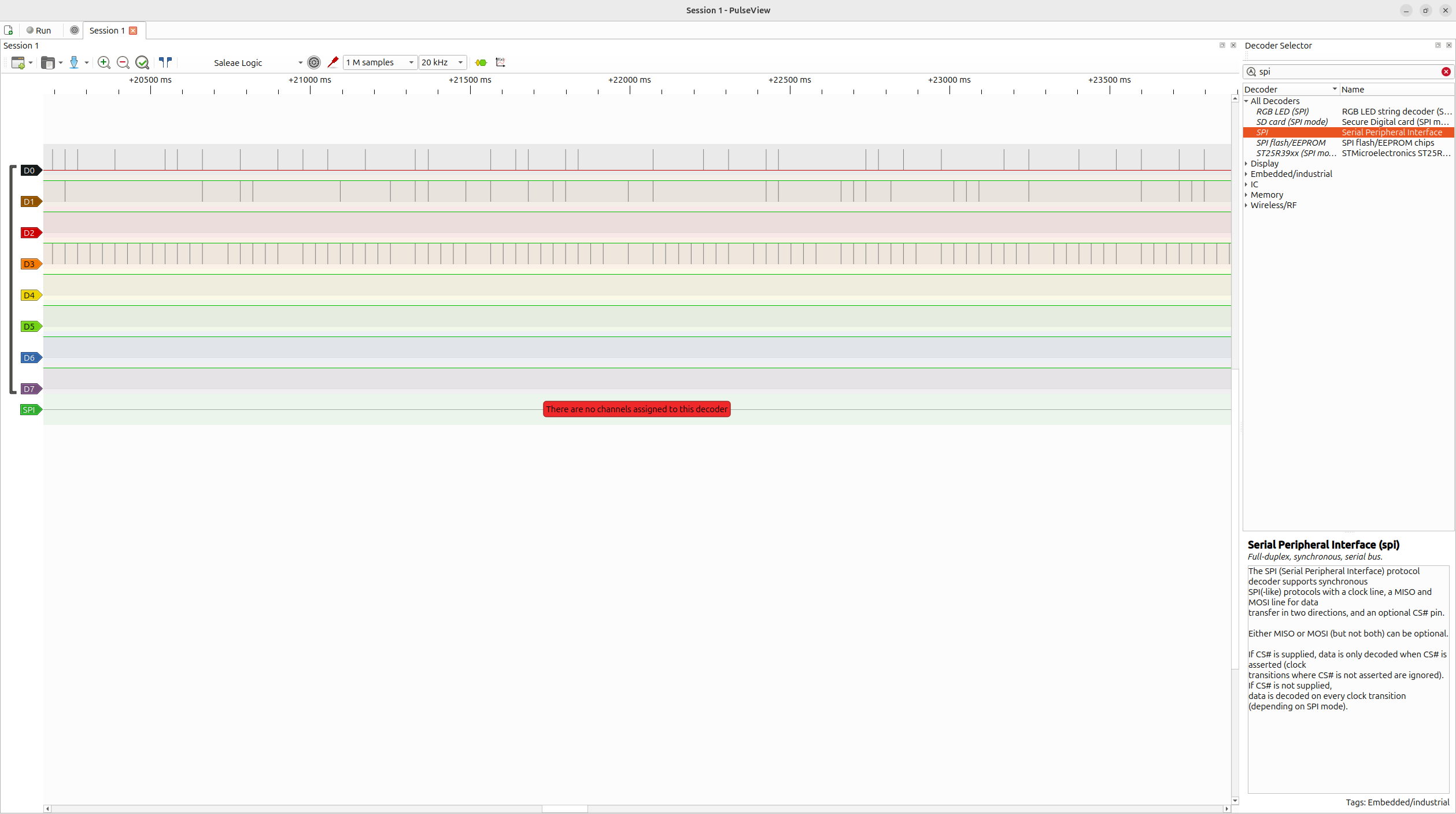
SPI Signal Analysis GUI - PulseView Adding SPI Decoder
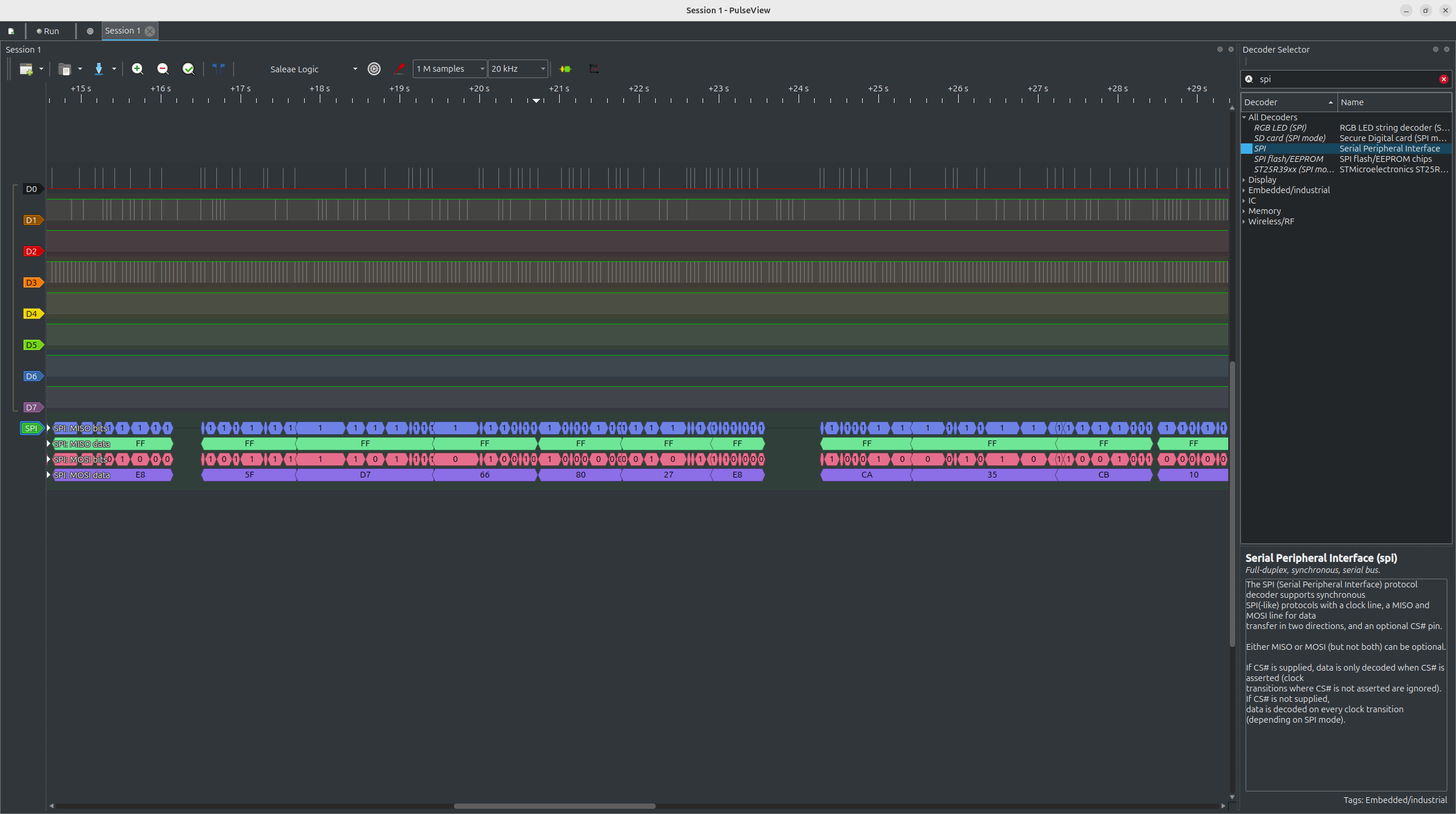
SPI Signal Analysis GUI - PulseView Logic Analyzer