Good new. I’m flying back to China for some traditional Chinese food - 热干面 😍❤️😊
In my first blog post about Jetson AGX Xavier early in year 2021, I just did a very simple demo with any industrial camera using Aravis. Today, I’m going to make full use of the CUDA GPU Compute Capability of my Jetson AGX Xavier, running DeepStream to live cam stream the city of Vancouver and twitter it out.
By the way, I forget to mention my this blog Kinect 2 on Jetson AGX Xavier.
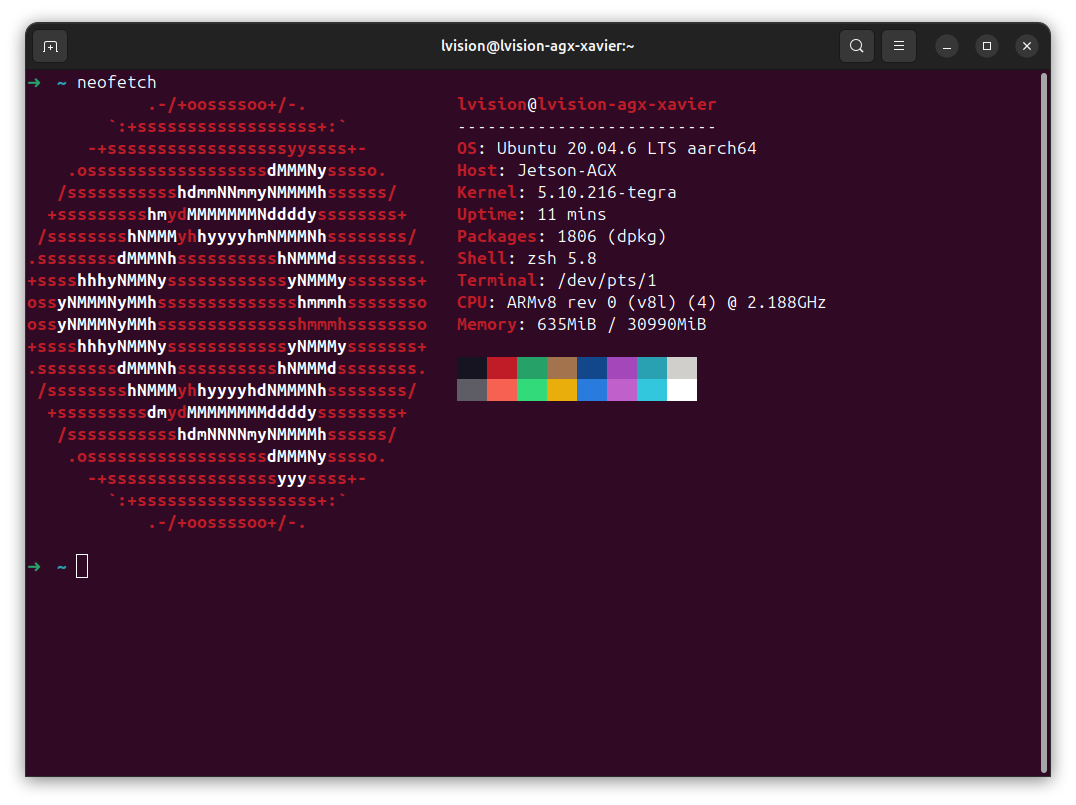
1. Environment
1.1 neofetch
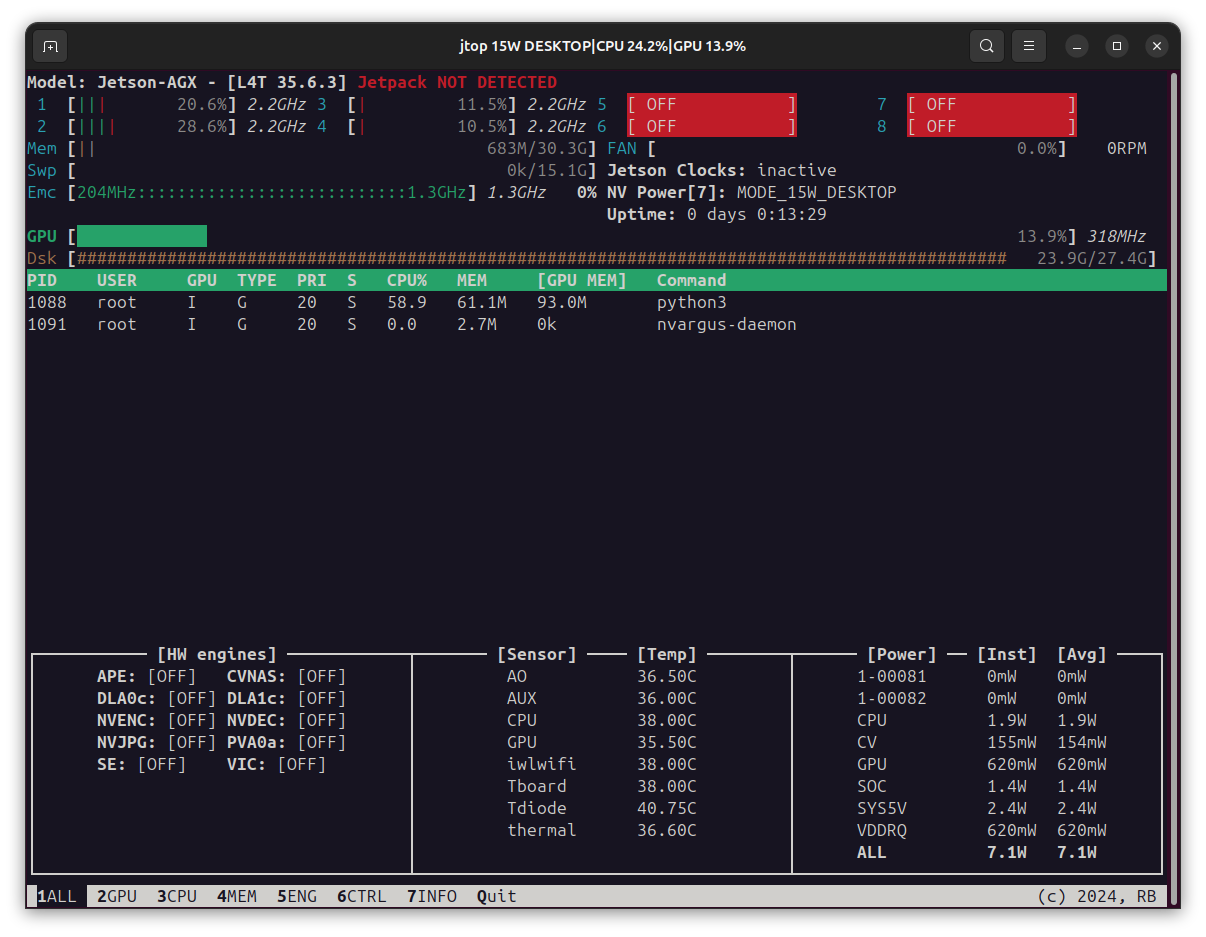
1.2 jtop
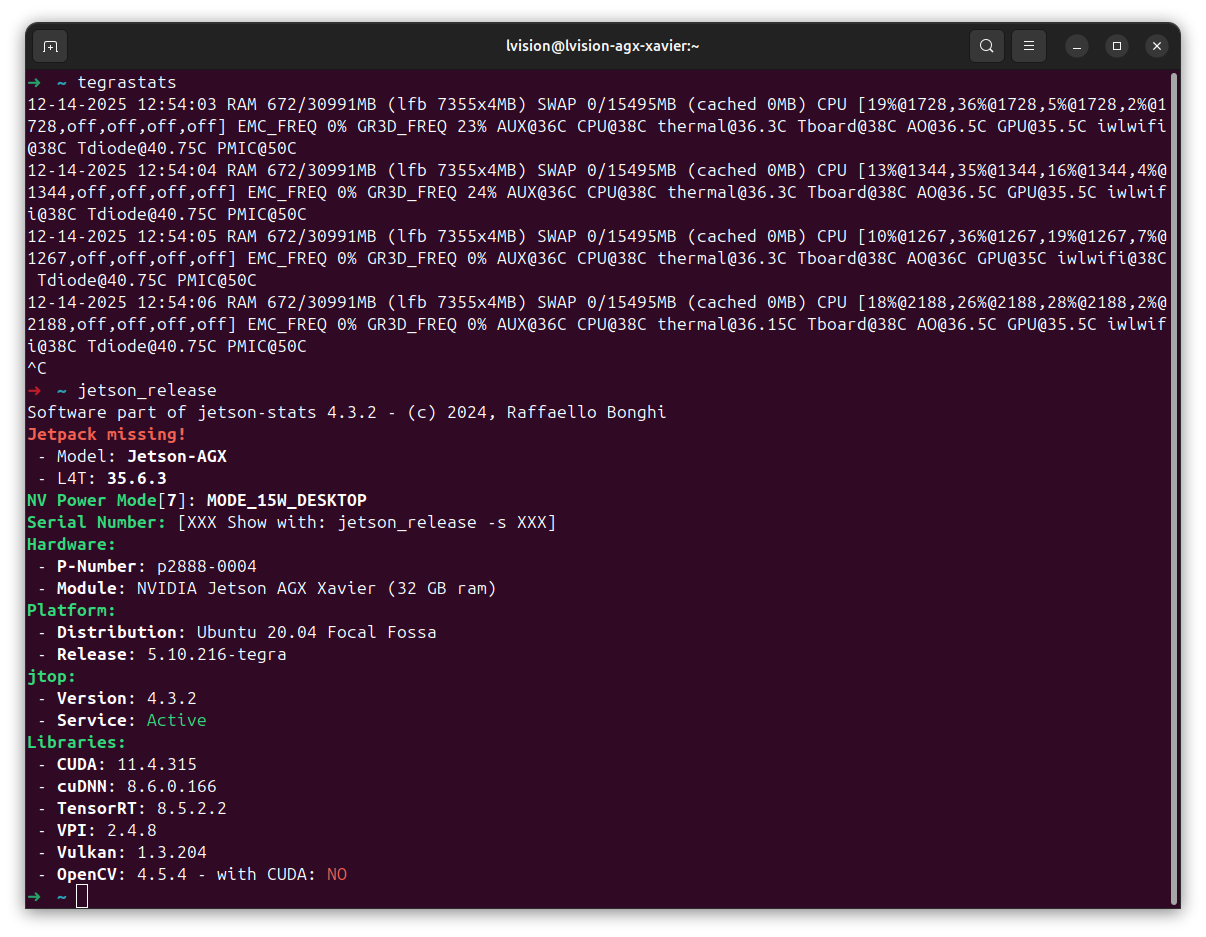
1.3 tegrastats and jetson_release
2. DeepStream
2.1 Install DeepStream On Jetson AGX Xavier
You first have to find the corresponding DeepStream version from its official website DeepStream. Since I’m using a Jetson AGX Xavier, I’d choose DeepStream 6.3 and have it installed on my device.
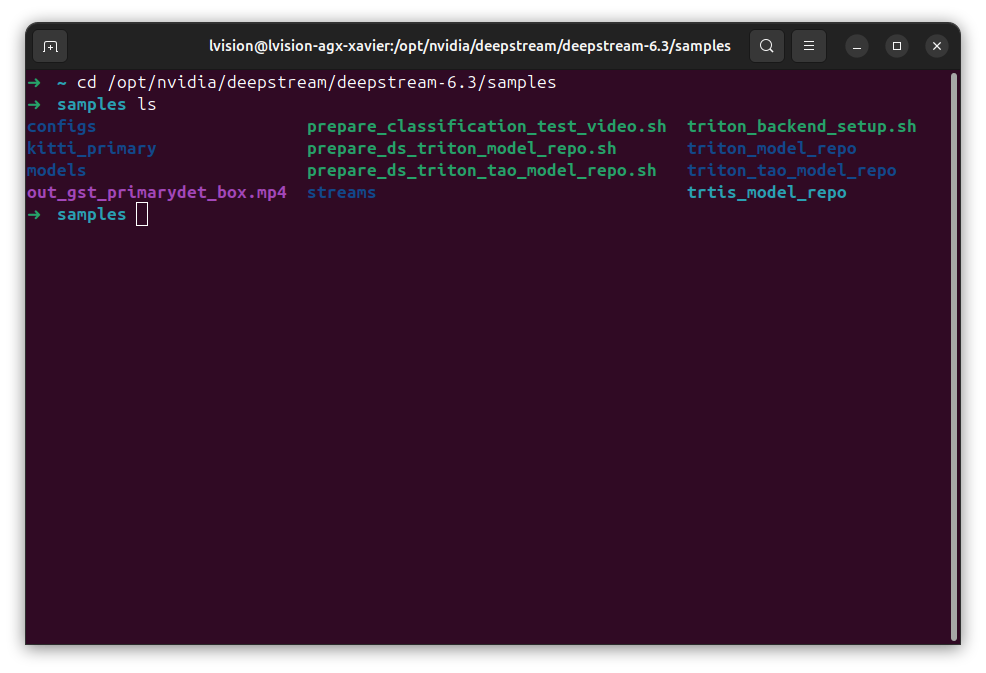
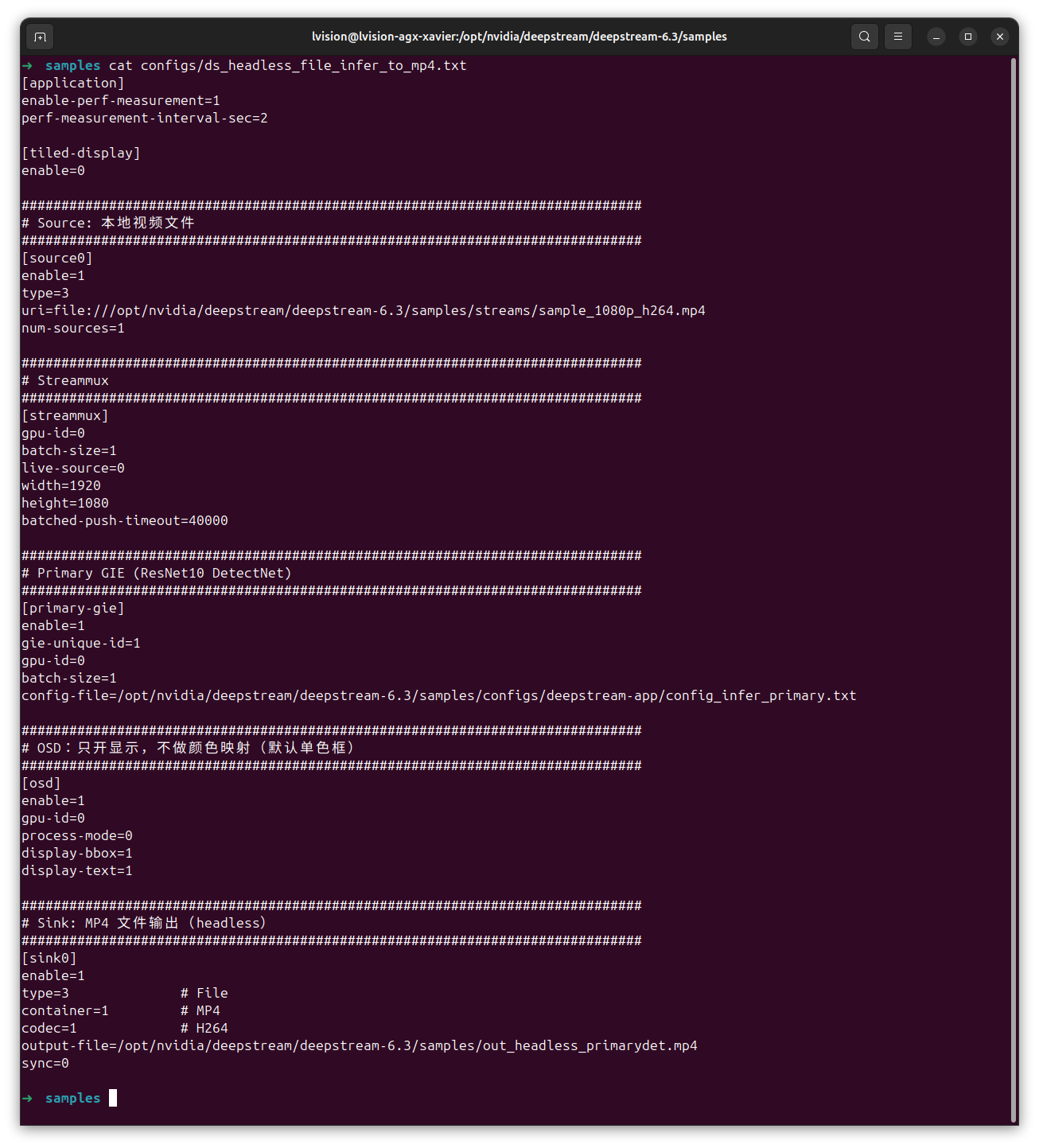
2.2 Set Up Configuration
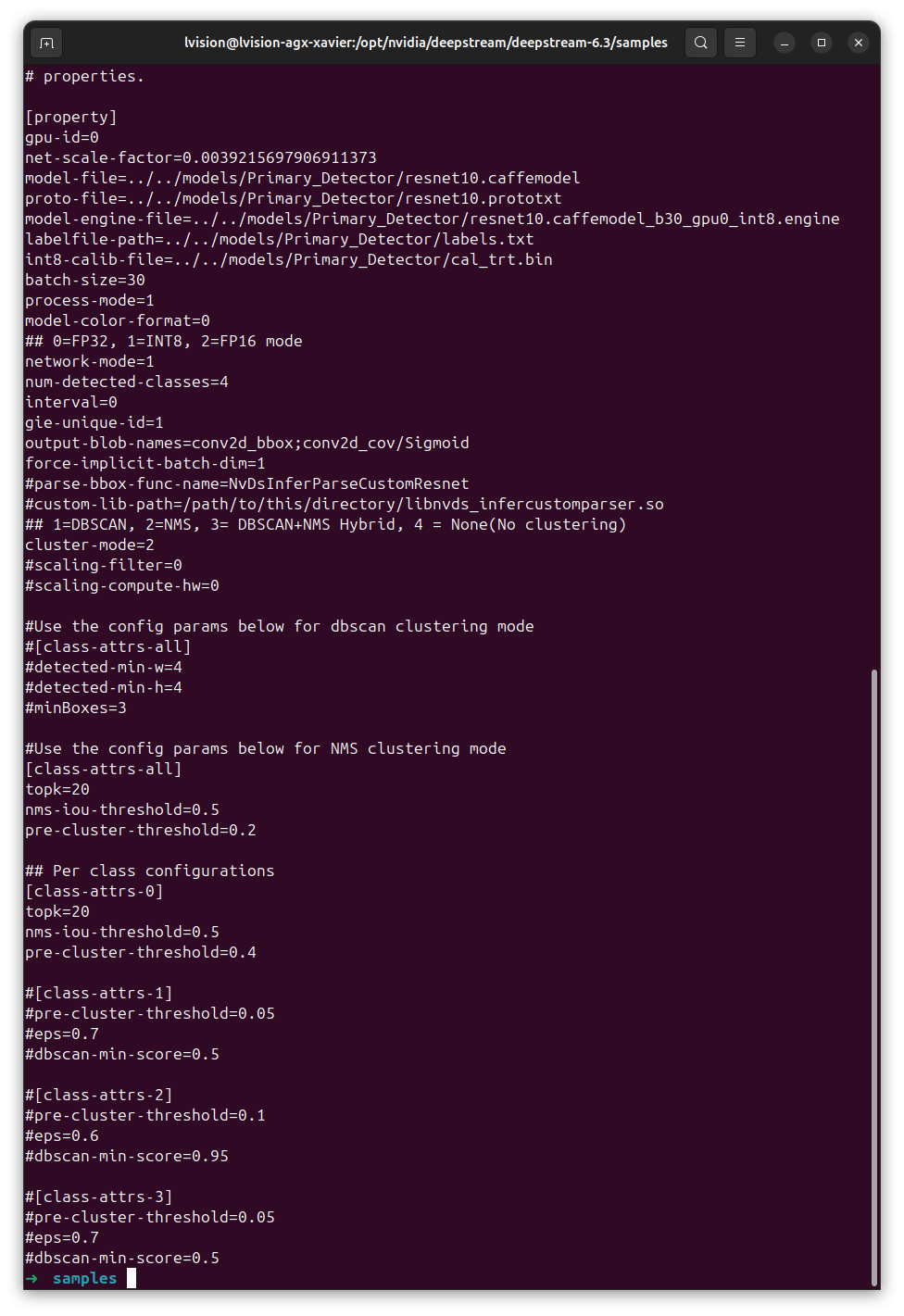
2.3 Model Configuration
2.4 Demonstration
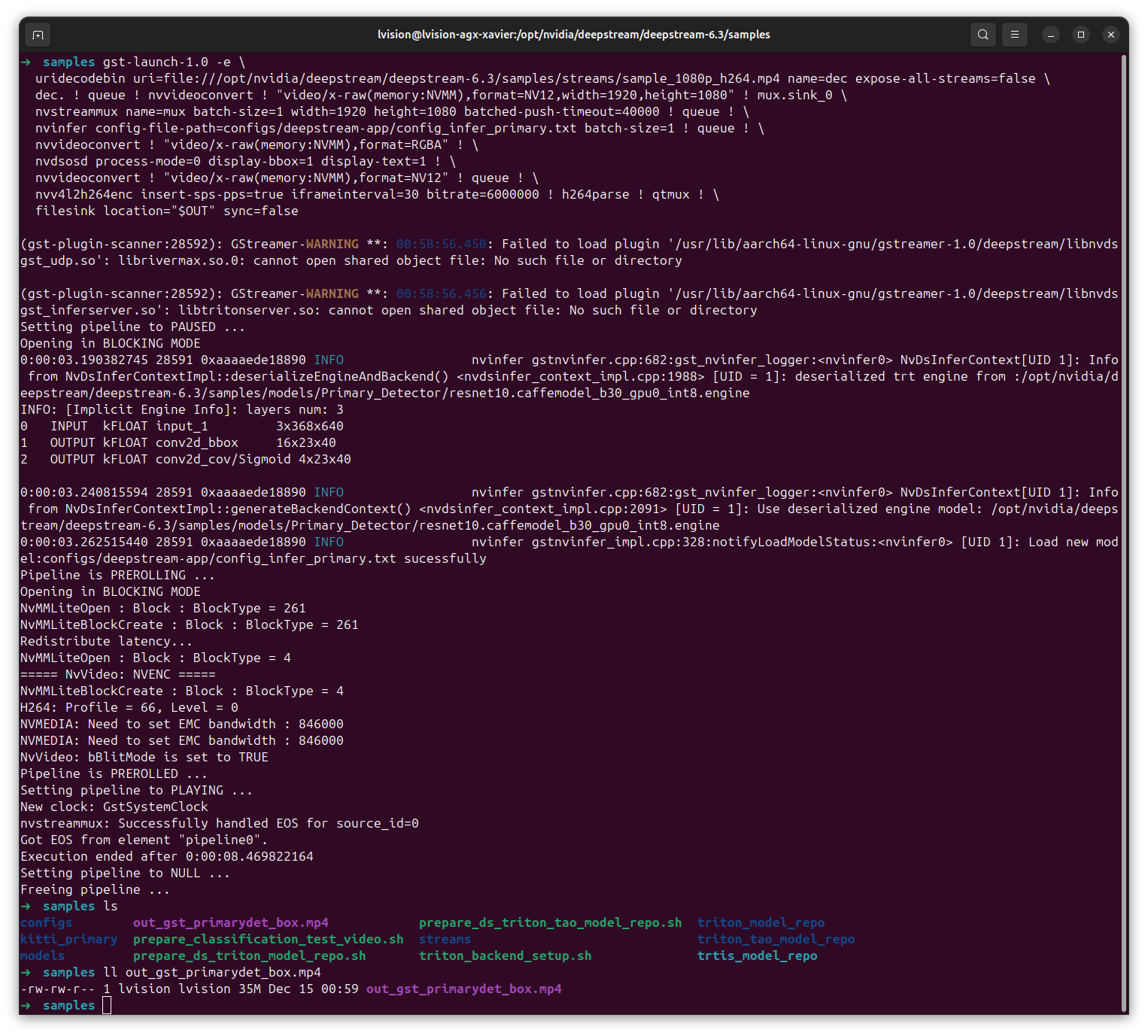
| Process On a Video without Using deepstream Command |
|---|
 |
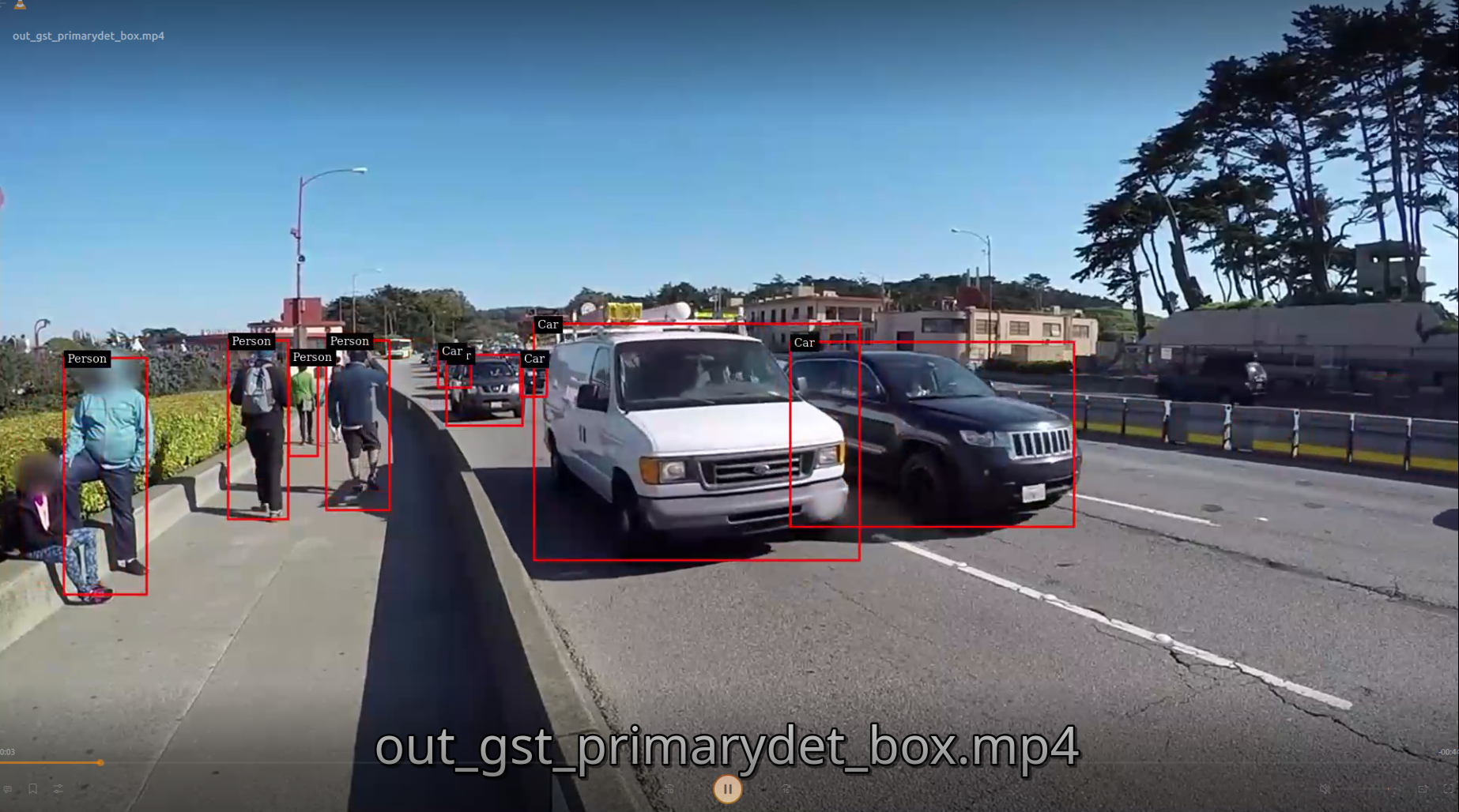
| Results of Detection |
|---|
 |
2.5 Conclusion
DeepStream 6.3 does not provide an out-of-the-box sample for rendering different object classes with different bounding box colors.
In DeepStream 6.3, deepstream-app uses the default nvdsosd behavior, which applies a single bounding box style to ALL detected objects.
The application-level configuration parser does not support class-wise color mapping, and nvdsosd color customization is not exposed through deepstream-app config files.
As a result, rendering different colors for different object classes requires custom OSD logic or a modified application, rather than configuration-only changes.