DshanPi-A1 has been out for quite a while. Some rather baffling legal matters have slowed down my pace of writing blog posts, but they cannot hinder the steady progress of scientific research in China. Today, let’s have some fun exploring this SBC DshanPi-A1.
1. Wiki
There is a wealth of documentation and learning materials available online. Here, a few examples are provided as:
2. Flash Armbian for DshanPi-A1
2.1 Preparation
- Armbian for DshanPi-A1: 3 options are provided on Armbian‘s website. I chose Debian 13 for my DshanPi-A1.
- rkdeveloptool: manually built from source on my host desktop
- rk3576_spl_loader_v1.09.107.bin: directly downloaded from DshanPi-A1 On 100ask
2.2 Flash In 3 Steps
2.2.1 Step 1: Download Bootloader
1 | ➜ DshanPi sudo rkdeveloptool db rk3576_spl_loader_v1.09.107.bin |
2.2.2 Step 2: Flash OS
1 | ➜ Armbian sudo rkdeveloptool wl 0 Armbian_community_26.2.0-trunk.703_Dshanpi-a1_trixie_vendor_6.1.115_minimal.img |
2.2.3 Step 3: Reset DshanPi-A1
1 | ➜ Armbian sudo rkdeveloptool rd |
3. Boot And Have Fun
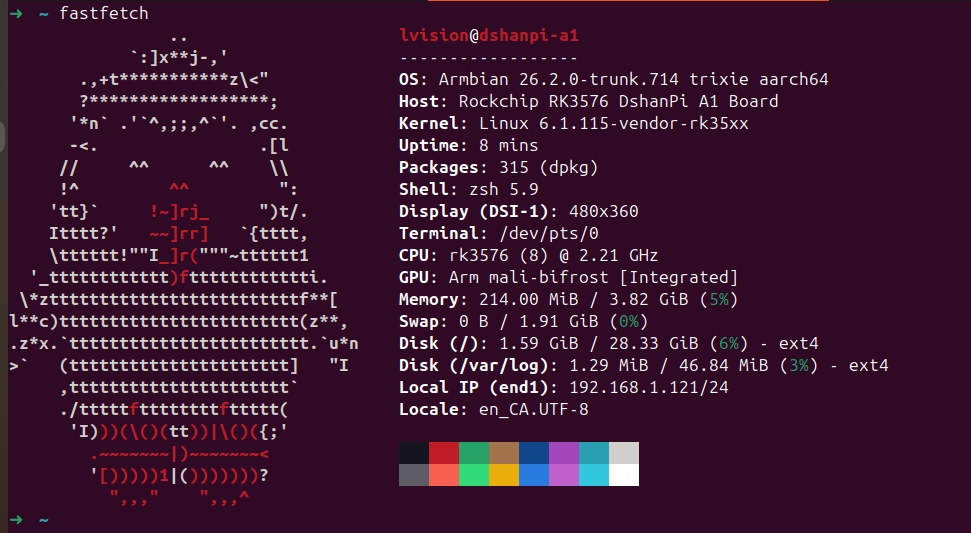
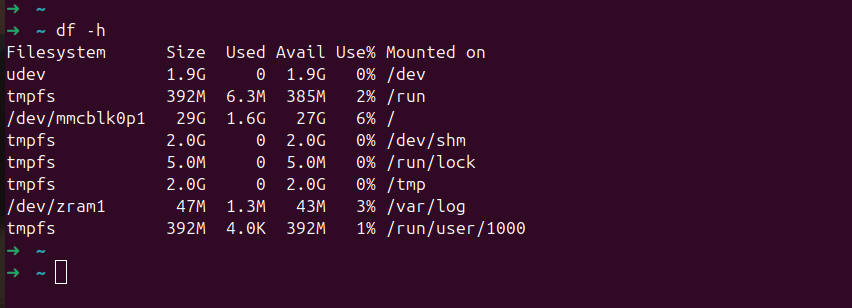
I’m NOT going to repeat those duplicate process for every SBC, but simply demonstrate it directly.
| Armbian for DshanPi-A1 | DshanPi-A1 has 32G eMMC |
|---|---|
 |
 |
4. OpenClaw Installation
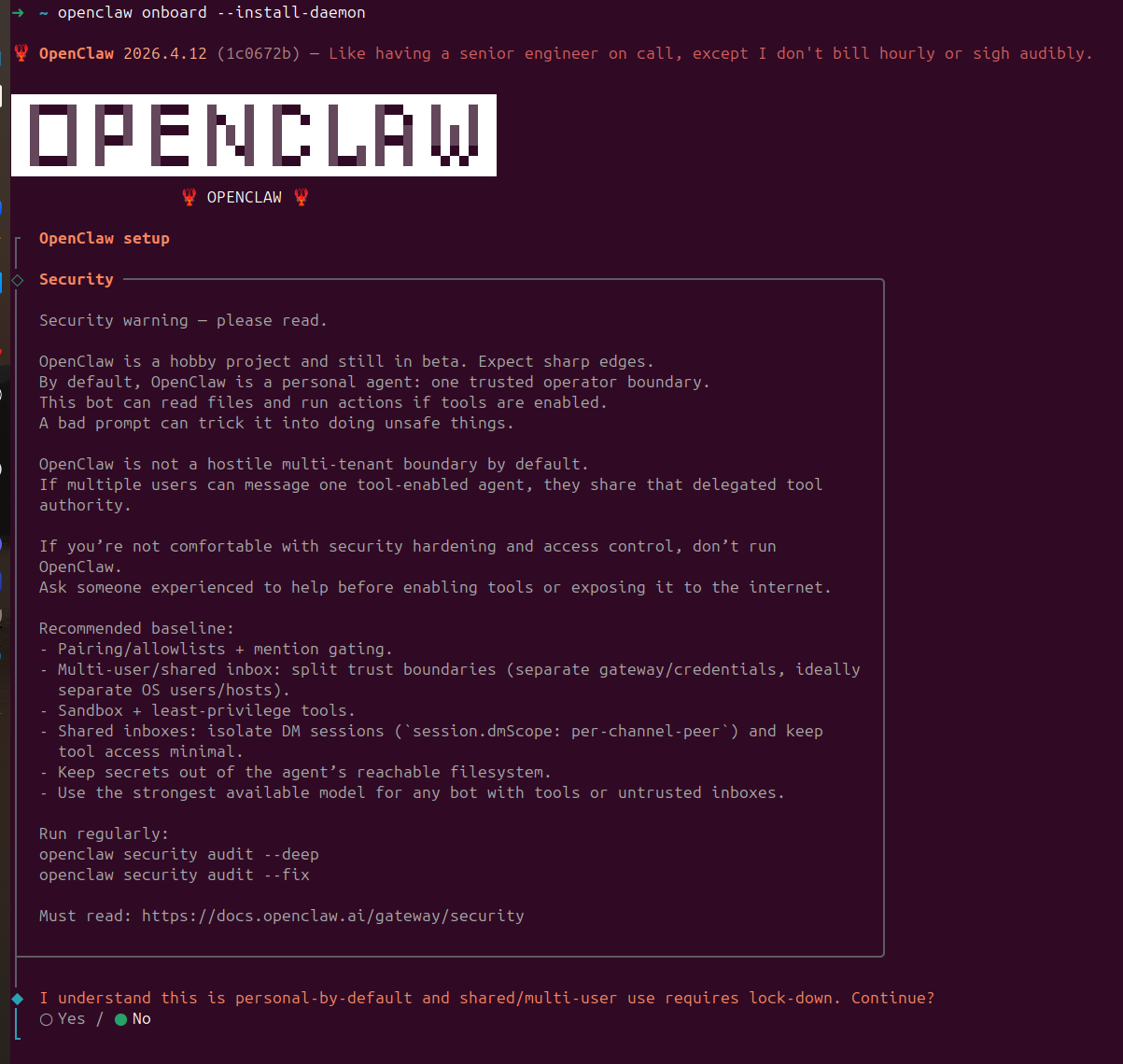
Clearly, this OpenClaw is still far too dangerous. Without the necessary expertise, I would not take on such tasks. This blog post ends here and will not continue further.