1. Introduction
A variety of CanMV SBCs are manufactured upon Kendryte‘s K230, which is based on th design of T-Head‘s XuanTie C908.
1.1 Online Resource
1.2 LCKFB Lushan Pi
Several K230 manufacturers including LCKFB have each designed their own development boards. I purchased the LCKFB Lushan Pi developed and produced by Lichuang (JLC). See the figure below for details:
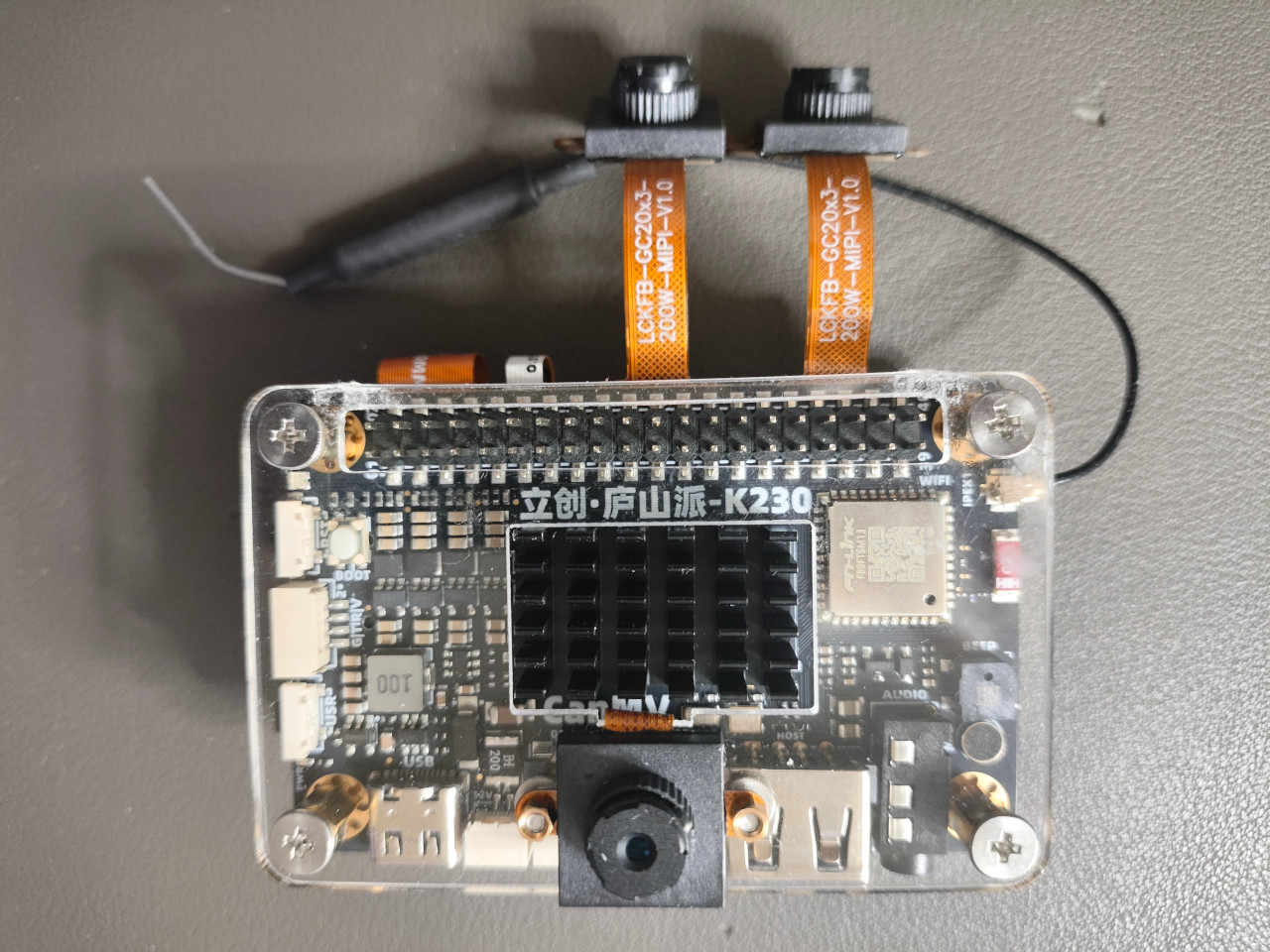
Clearly, LCKFB Lushan Pi provides 3 MIPI interfaces, and I have 3 GC20X3 MIPI cameras set up for it.
2. Connect LCKFB Lushan Pi and PC Using A Type-C USB Cable
2.1 Flash
For simplicity, I chose CanMV_K230_LCKFB_micropython_v1.6-0-ge4441cc_nncase_v2.9.0.img.gz as the initial firmware image for flashing.
2.2 lsusb
1 | ➜ ~ lsusb |
Oh my God… this CanMV is actually using an OpenMV camera module??? (Please refer to my ancient blog OpenMV)
2.3 ll
1 | ➜ ~ ll /dev/ttyACM* |
2.4 From Serial Port
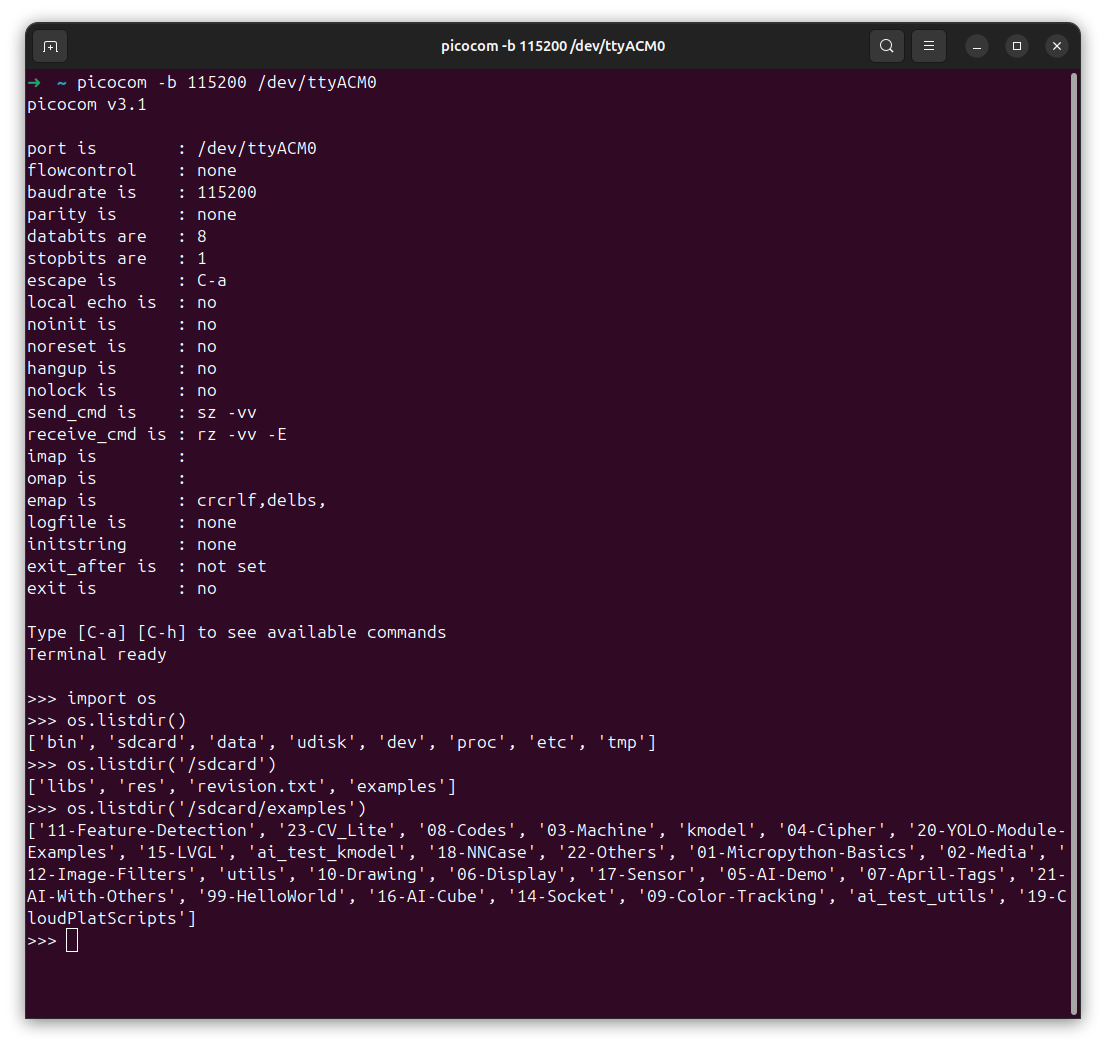
However, it looks it does NOT contain a demo using 3 cameras.
In order to demonstrate the following two examples provided at k230_rtsmart_examples, we need to either flash a different firmware K230 RTOS SDK or build these examples using triple MIPI cameras based on the environment provided by the firmware K230_LCKFB_rtsmart.
- triple_camera_ai: need a display connected to K230 to demonstrate
- triple_camera_ai_rtsp: have to rebuild the source from code
3. Connect LCKFB Lushan Pi and PC Using Serial Cables and A USB-to-TTL Convertor
3.1 Flash
This time, RtSmart-K230_LCKFB_rtsmart_v0.7-0-g0946d74_nncase_v2.9.0.img.gz is flashed onto LCKFB Lushan Pi.
3.2 Cable Connection
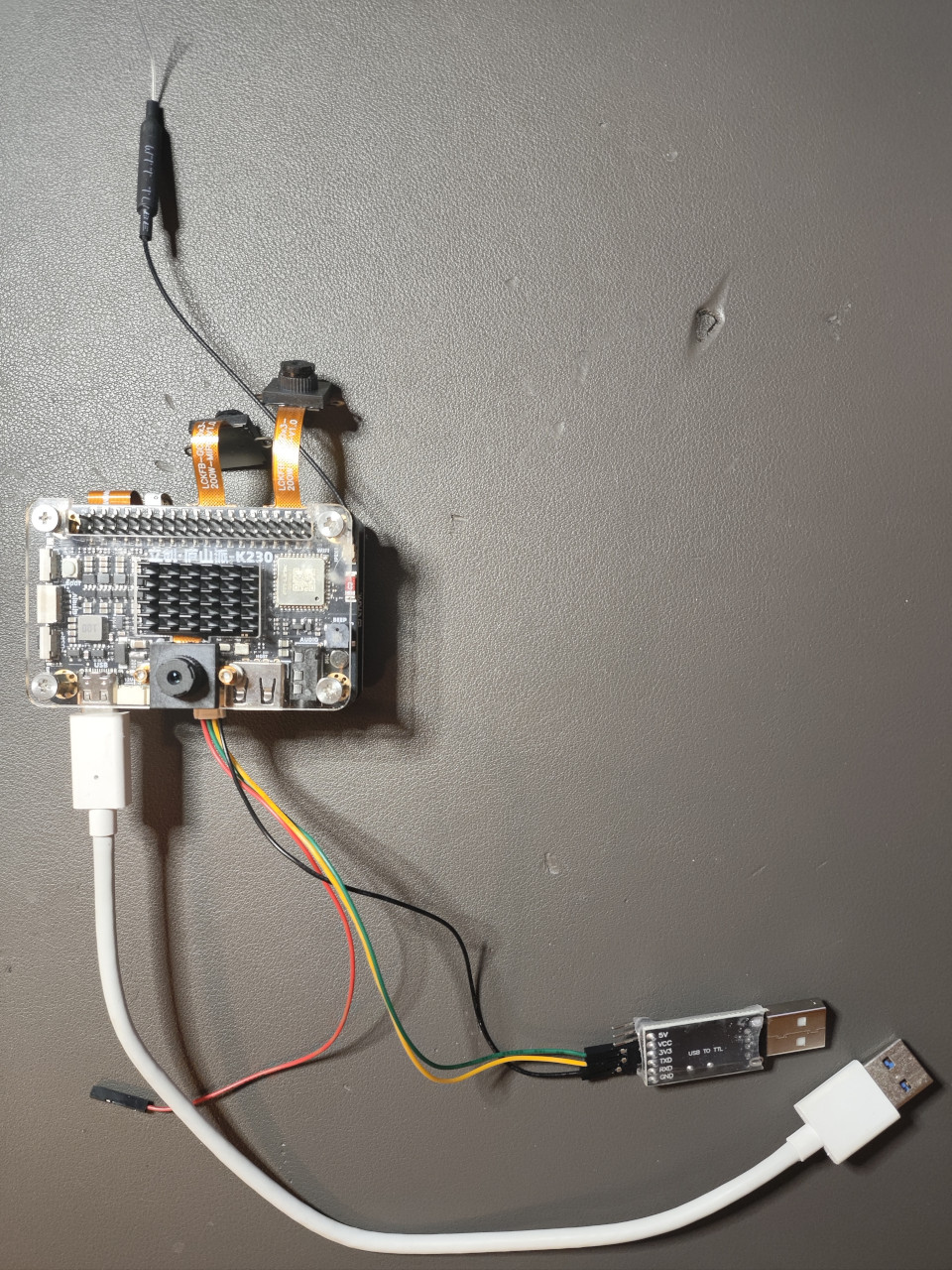
Please remember the following 3 points:
- You need a type-C USB cable (the white cable in the picture) used as the power of LCKFB Lushan Pi
- You need a USB-to-TTL (for instance: CH341 or PL2303) for communication via serial port between LCKFB Lushan Pi and your PC
- You need to ensure the RED cable (for power as well) is disconnected. Otherwise, the USB-to-TTL is going to be overheated.
3.3 lsusb
1 | ➜ ~ lsusb |
3.4 ll
1 | ➜ ~ ll /dev/ttyACM* |
As you can see, in my case, I’m using a CH340.
3.5 List Applications In Serial
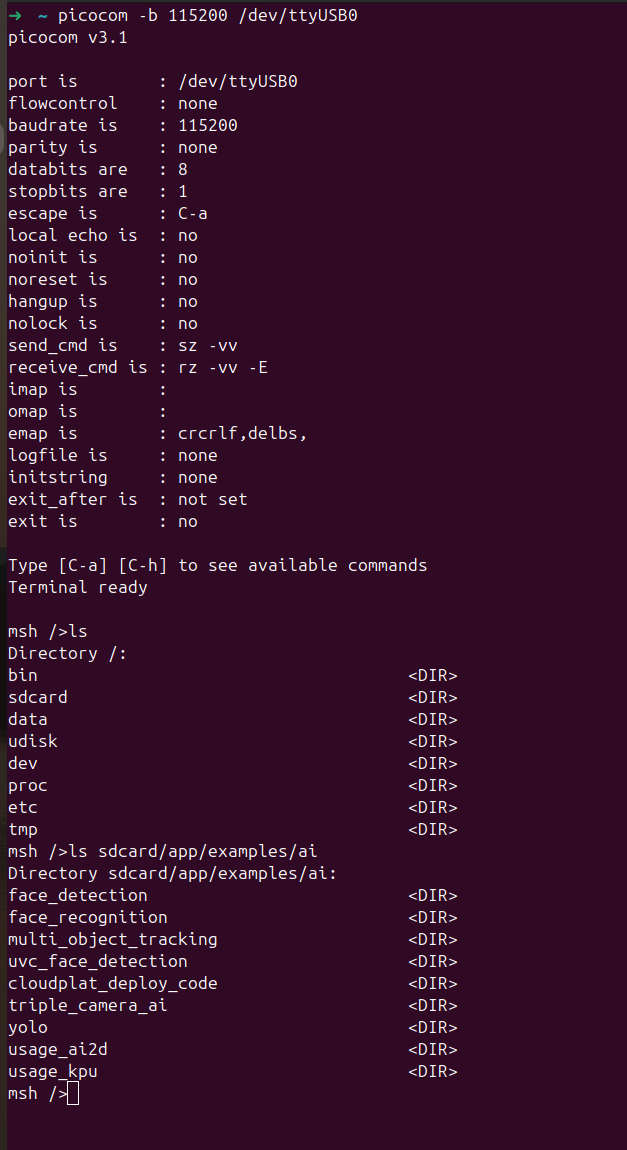
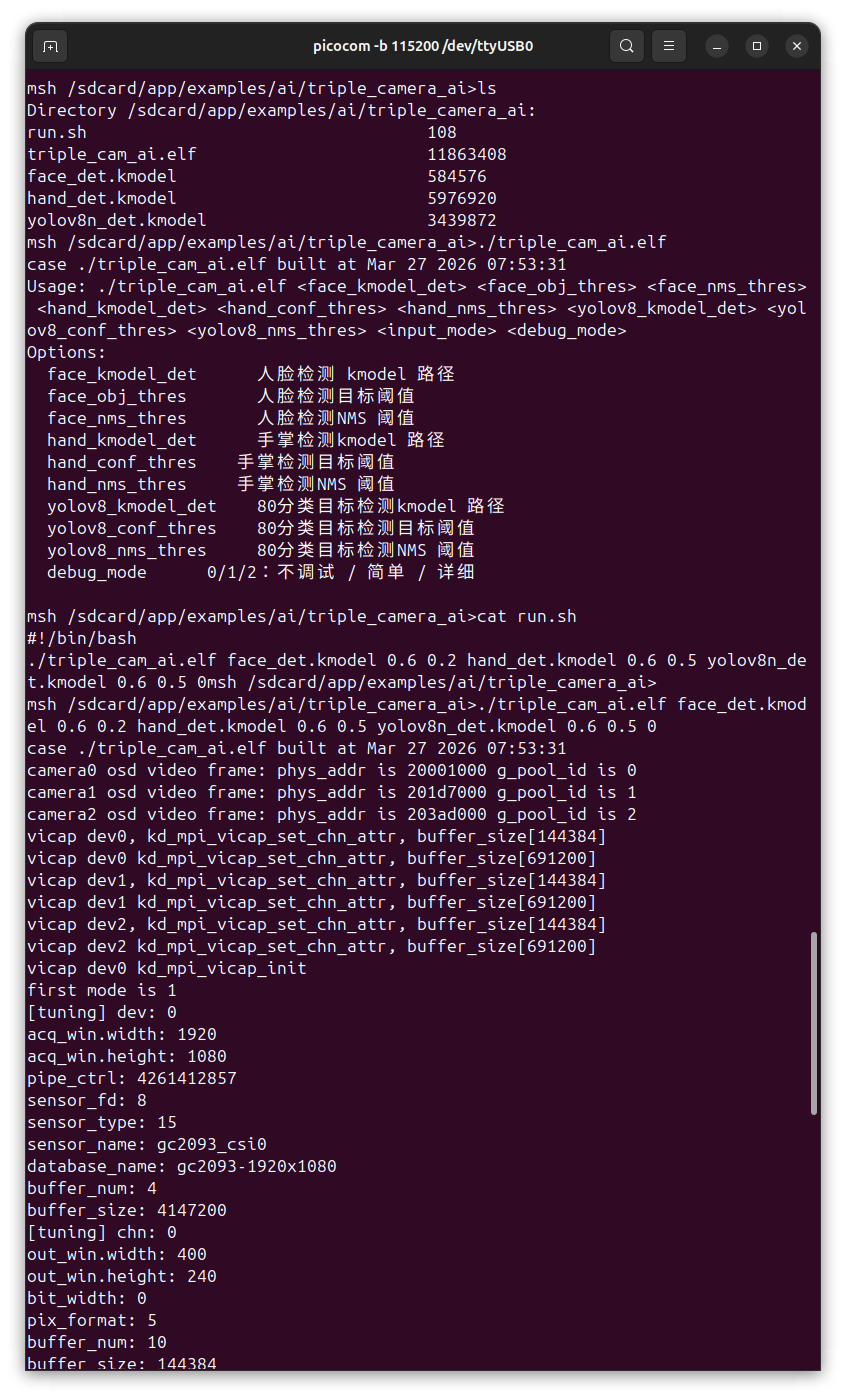
Well, this time, we can see triple_camera_ai is already built in the firmware RtSmart-K230_LCKFB_rtsmart_v0.7-0-g0946d74_nncase_v2.9.0.img.gz and flashed into LCKFB Lushan Pi with binary .elf. However, without a display directly connected to my LCKFB Lushan Pi, it’s better to demonstrate with display on a remote PC. Therefore, let’s build triple_camera_ai_rtsp from source.
3.6 Demonstrate triple_camera_ai
4. Build triple_camera_ai_rtsp From Source
4.1 Environmental Configuration
Please refer to K230 RTOS How to Build.
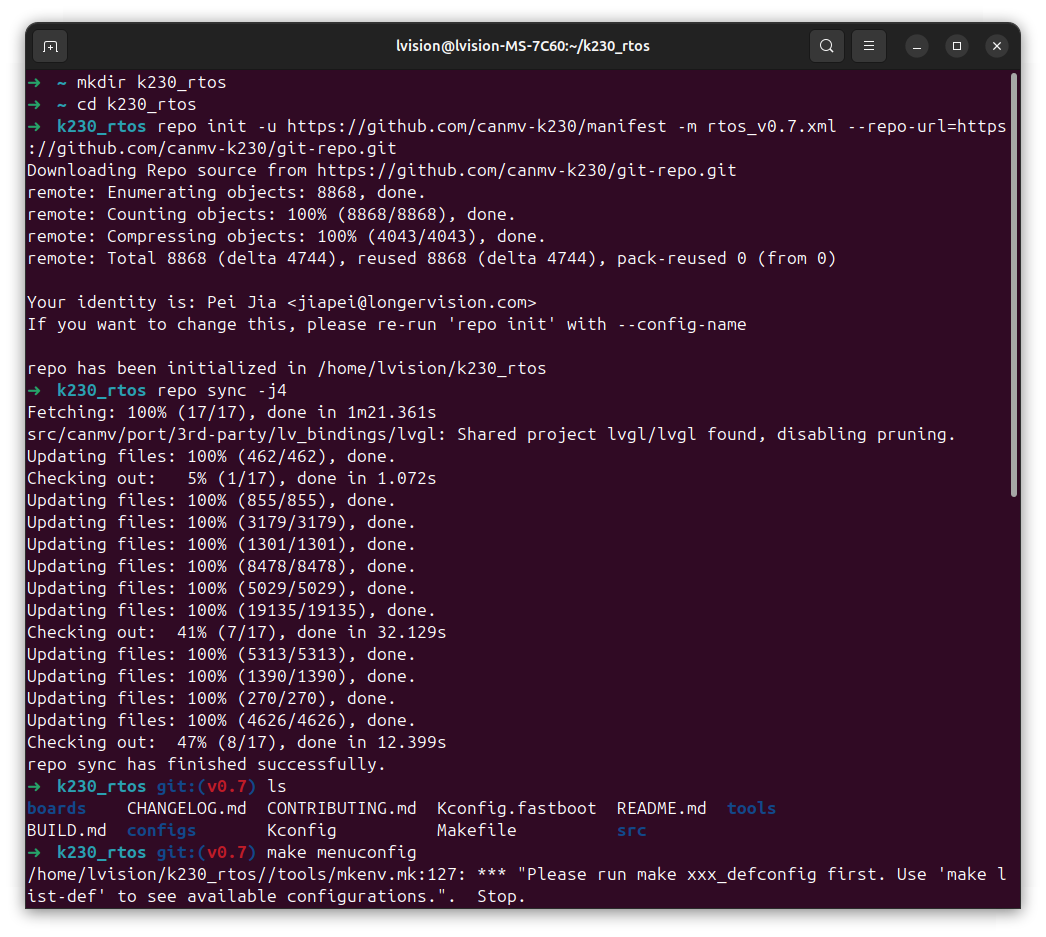
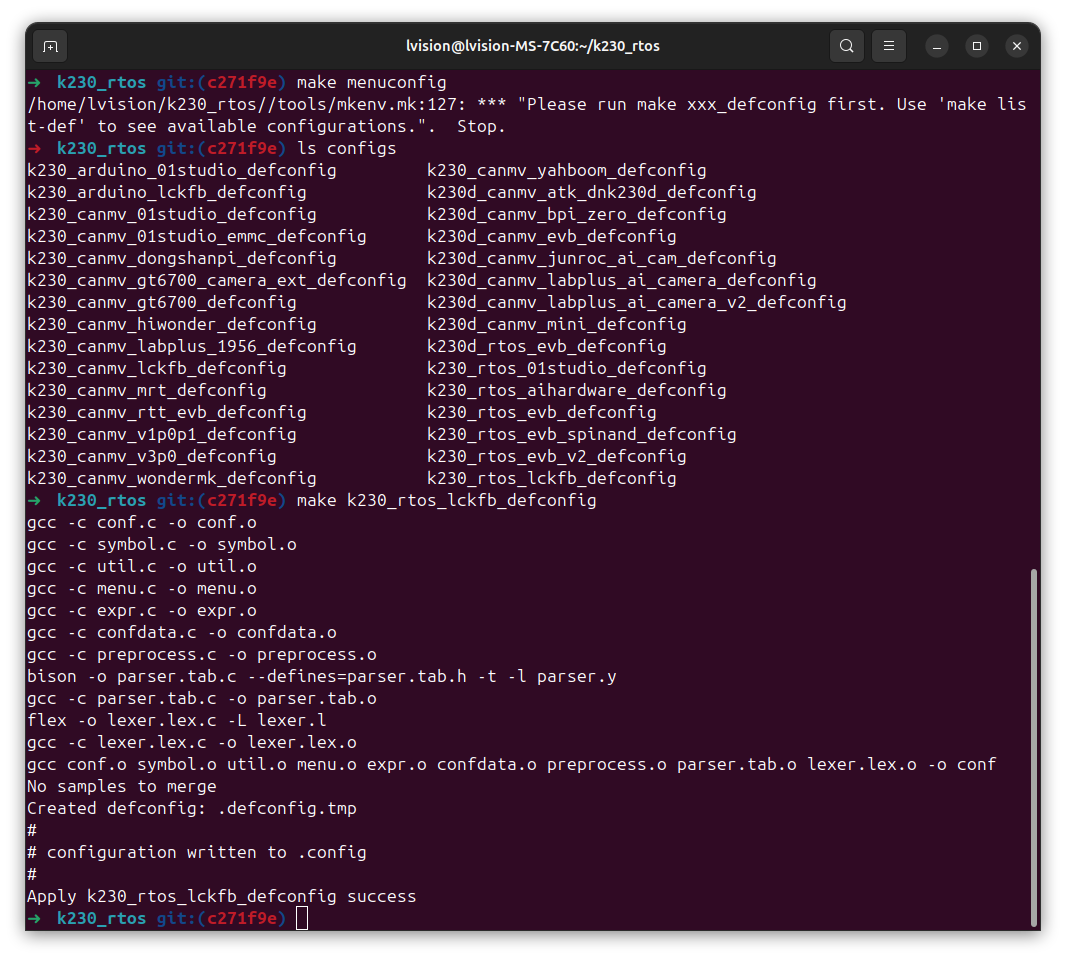
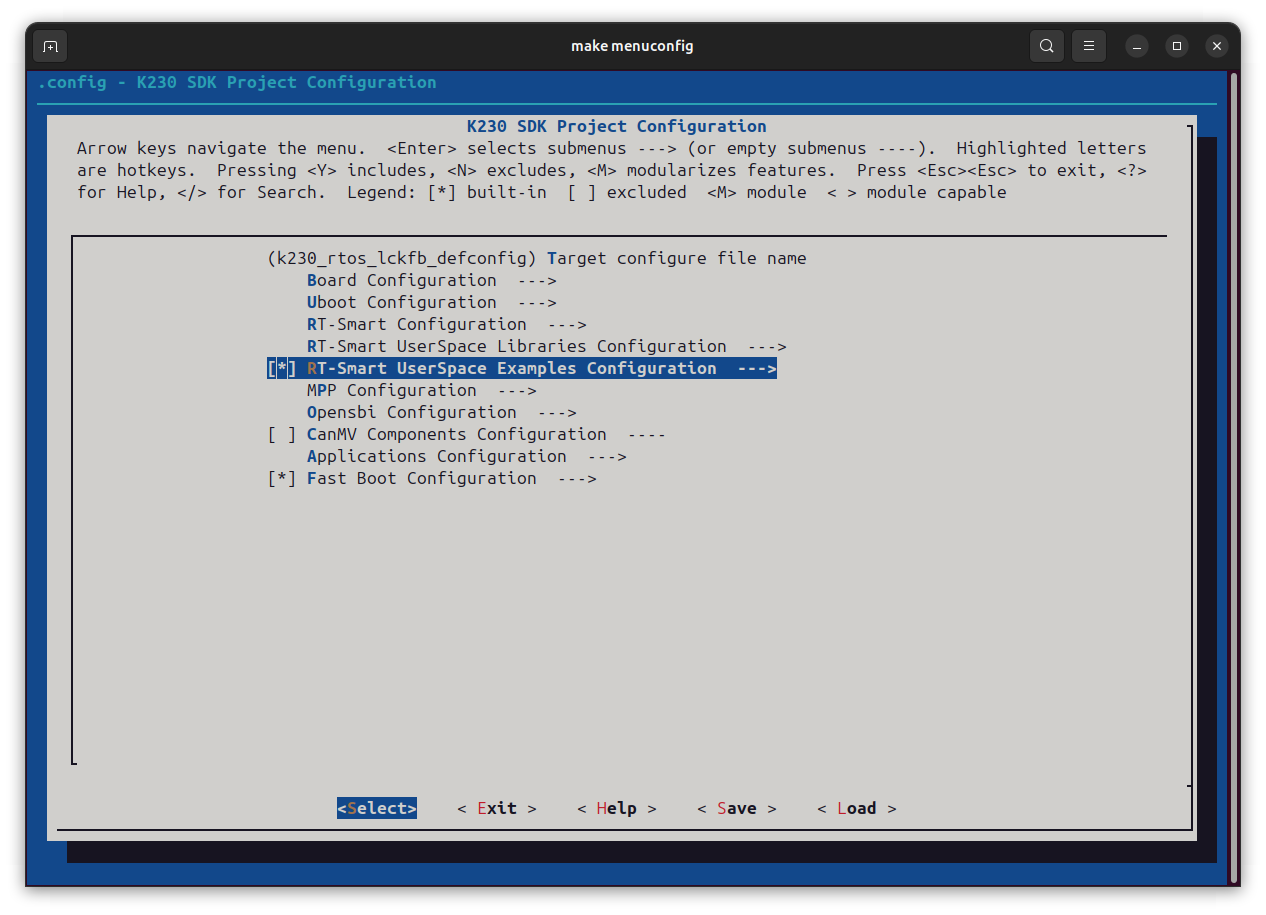
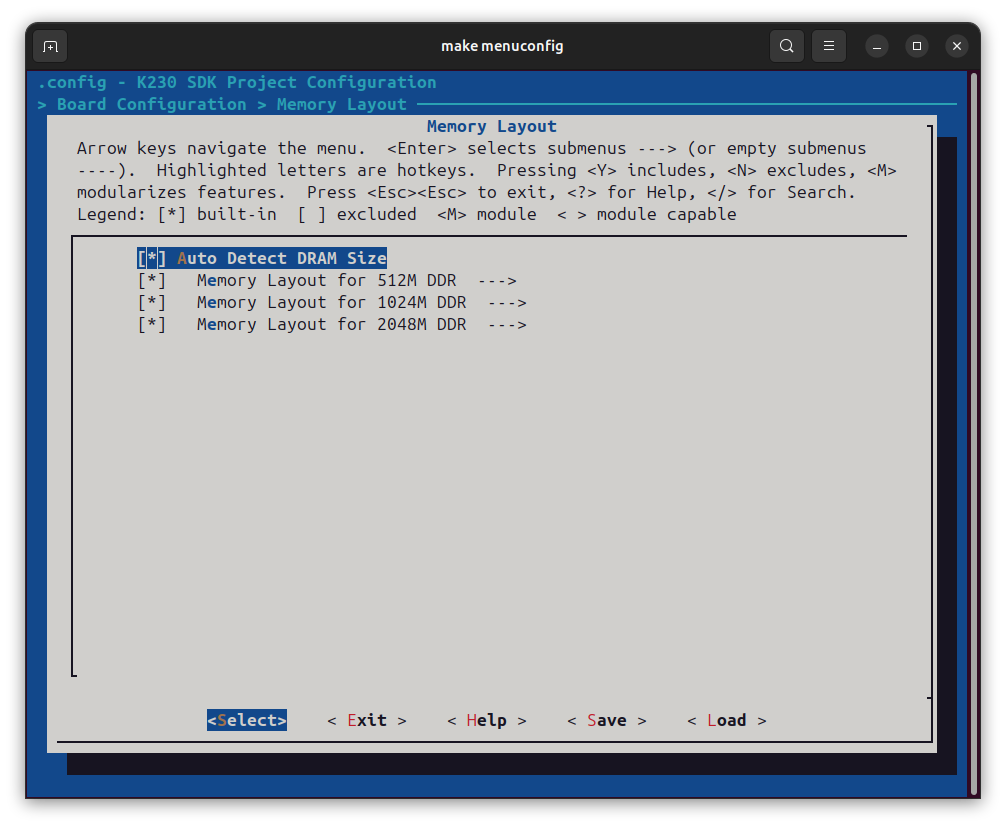
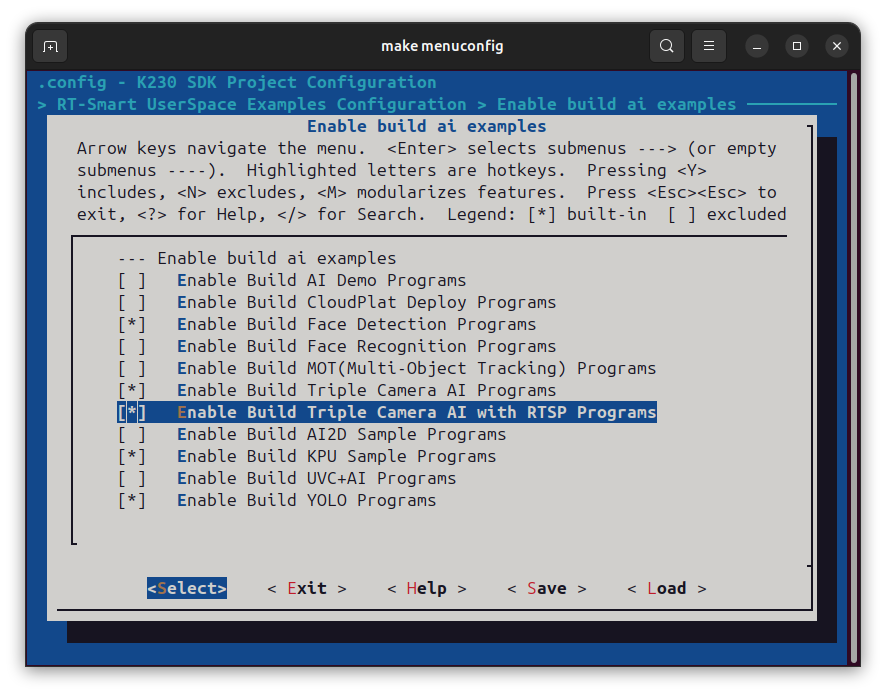
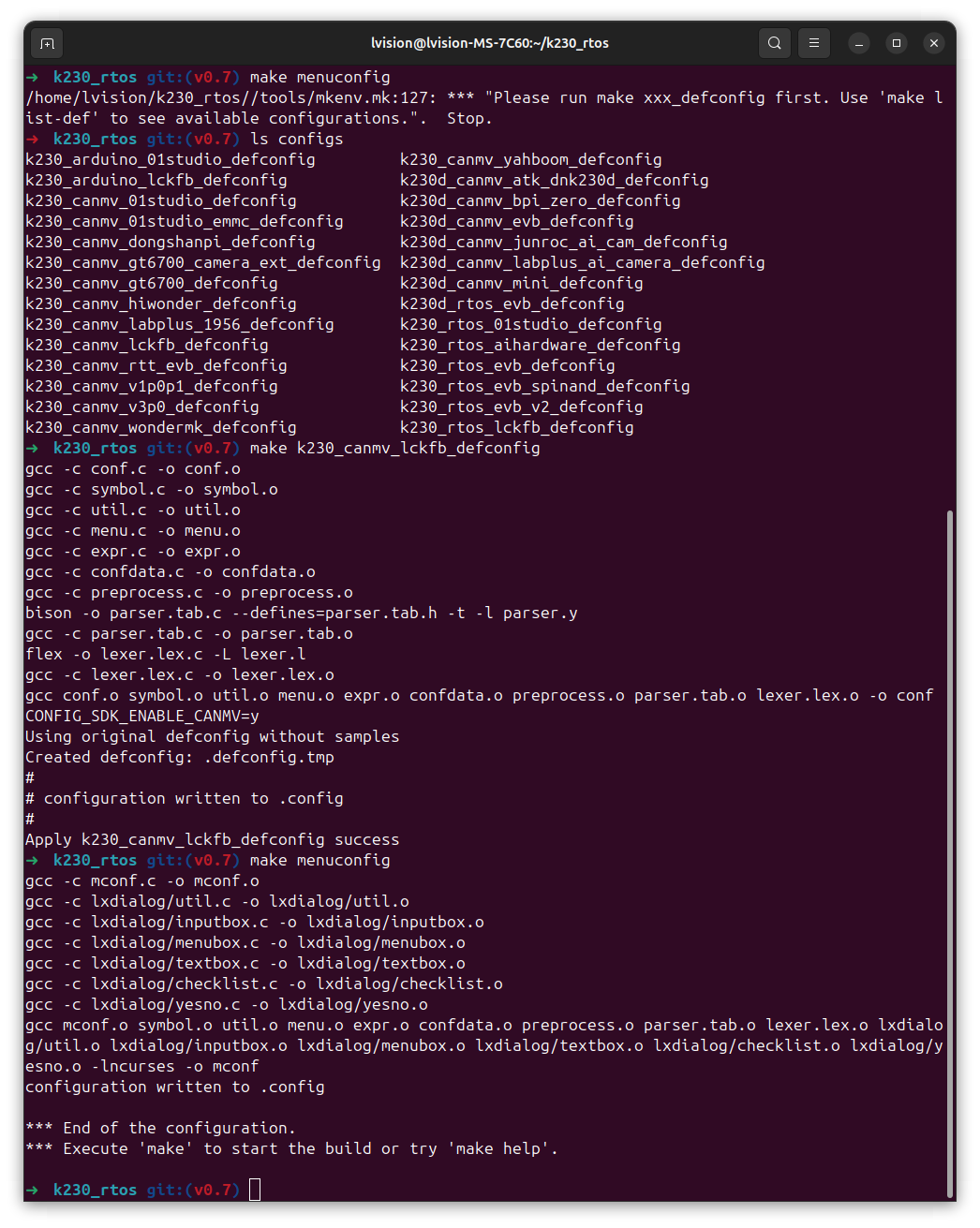
What I’ve done are shown as the following screenshots:
| Prepare the source code using repo | k230_rtos_lckfb_defconfig |
|---|---|
 |
 |
| Deselect CanMV Components Configuration but Select UserSpace Examples Configuration | Enable Auto Detect DRAM Size |
|---|---|
 |
 |
| Enable Build Triple Camera AI Programs | Entire Process of Configuration |
|---|---|
 |
 |
4.2 Build K230 RTOS SDK
4.2.1 Toolchain Preparation
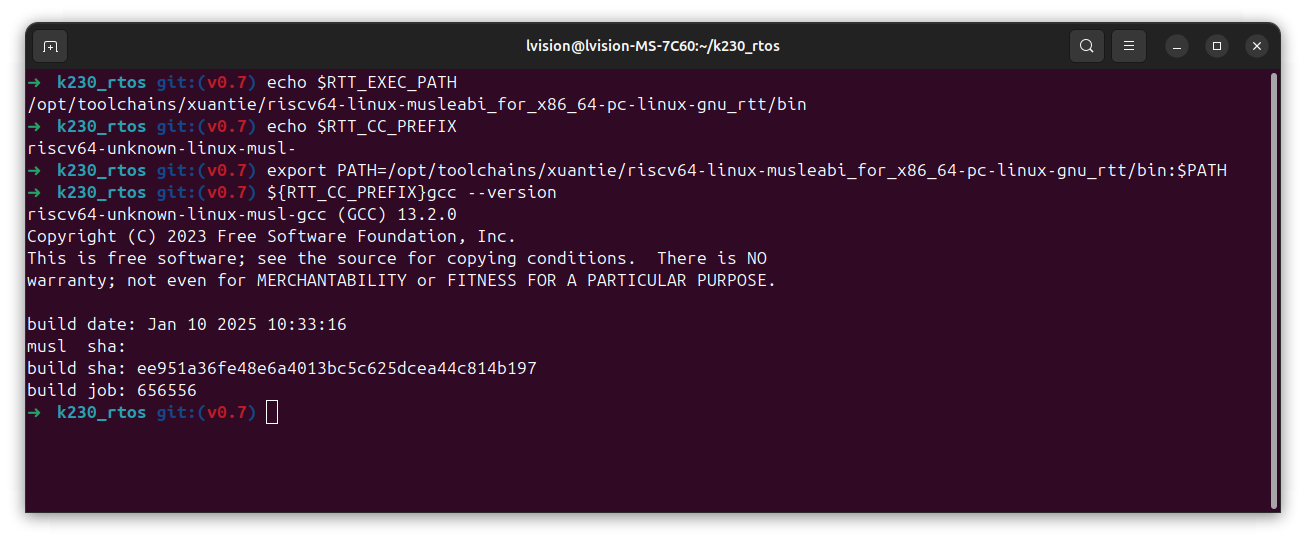
The most up-to-date K230 toolchain can be found on Kendryte Download
4.2.2 Build
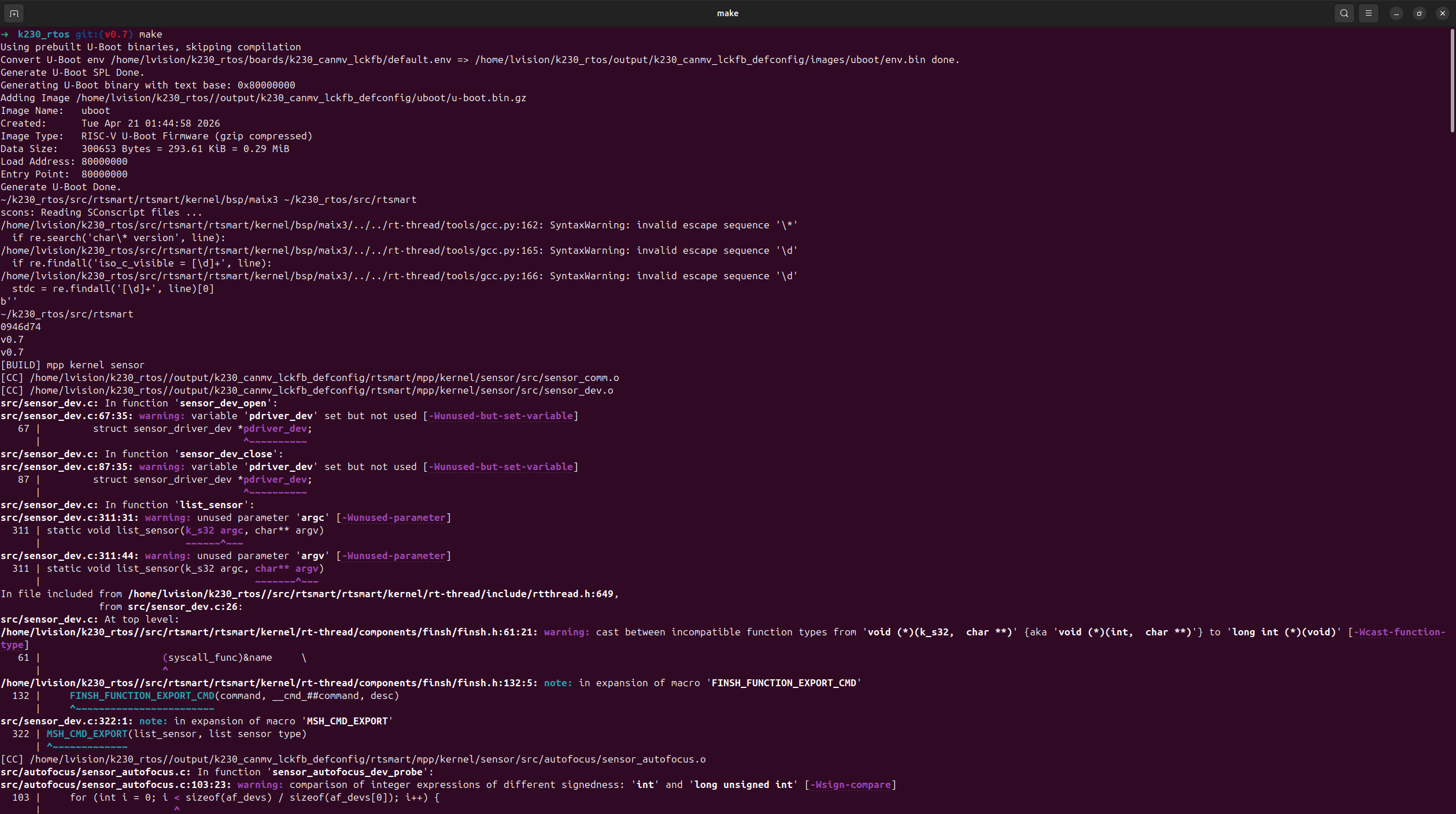
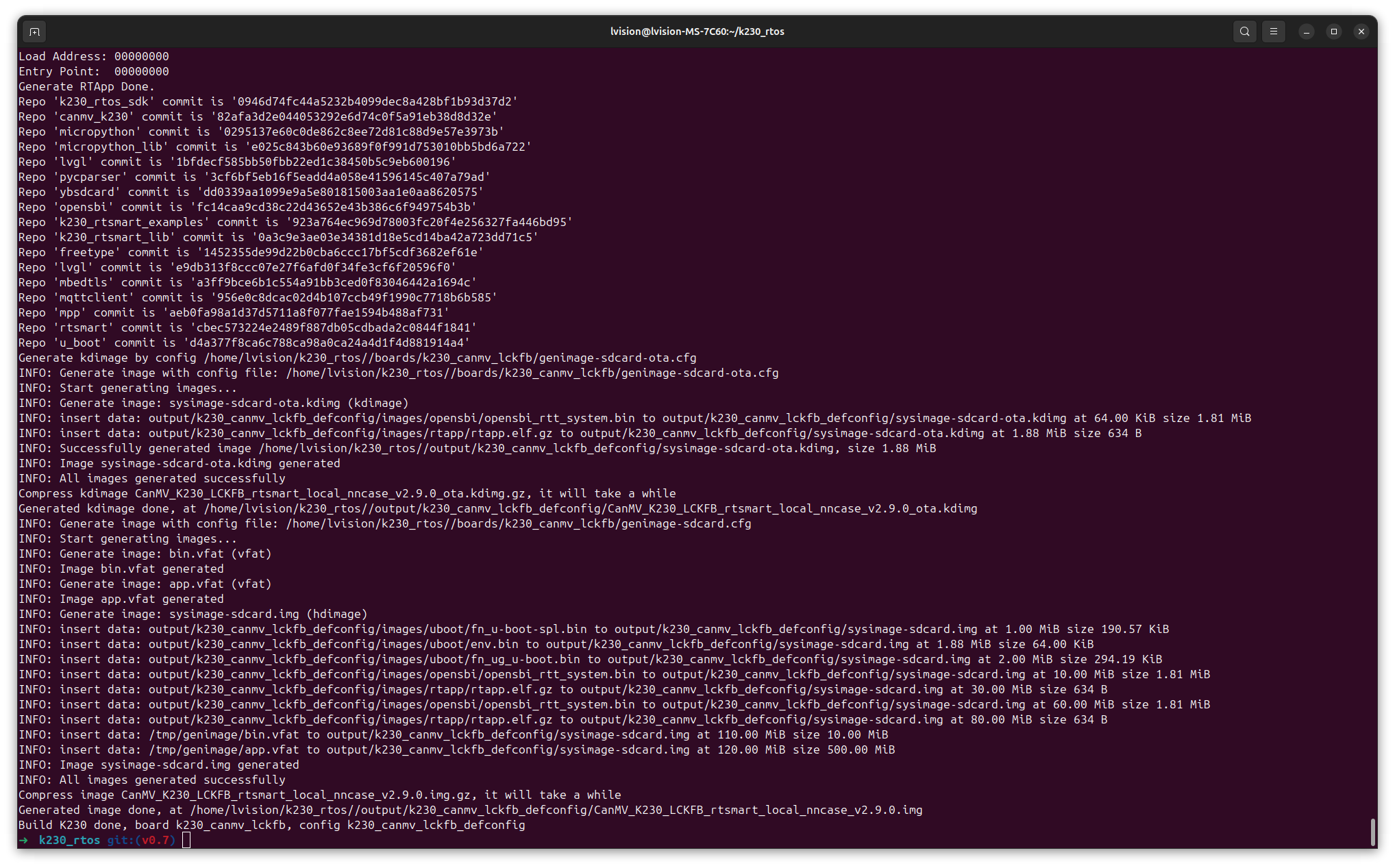
The reason why we have to build K230 RTOS SDK is because:
- it generates some files required by those UserSpace examples, including triple_camera_ai_rtsp.
- the built firmware RtSmart-K230_LCKFB_rtsmart_local_nncase_v2.11.0.img is indeed different from the official release RtSmart-K230_LCKFB_rtsmart_v0.7-0-g0946d74_nncase_v2.9.0.img.gz.
4.3 triple_camera_ai_rtsp Demonstration
4.3.1 RTL8152B USB To Wired Converter
4.3.1.1 Find Out IP of Realtek Device Using nmap

4.3.1.2 Network Interface On K230 Using ifconfig
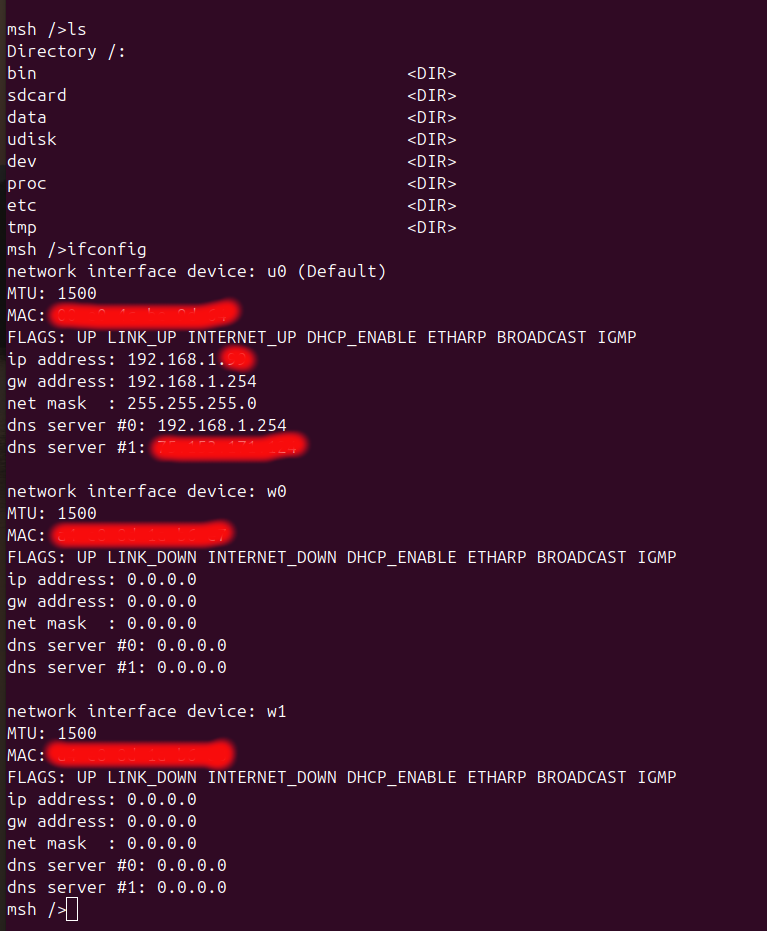
4.3.1.3 Demonstrate MPP Example sample_rtspserver
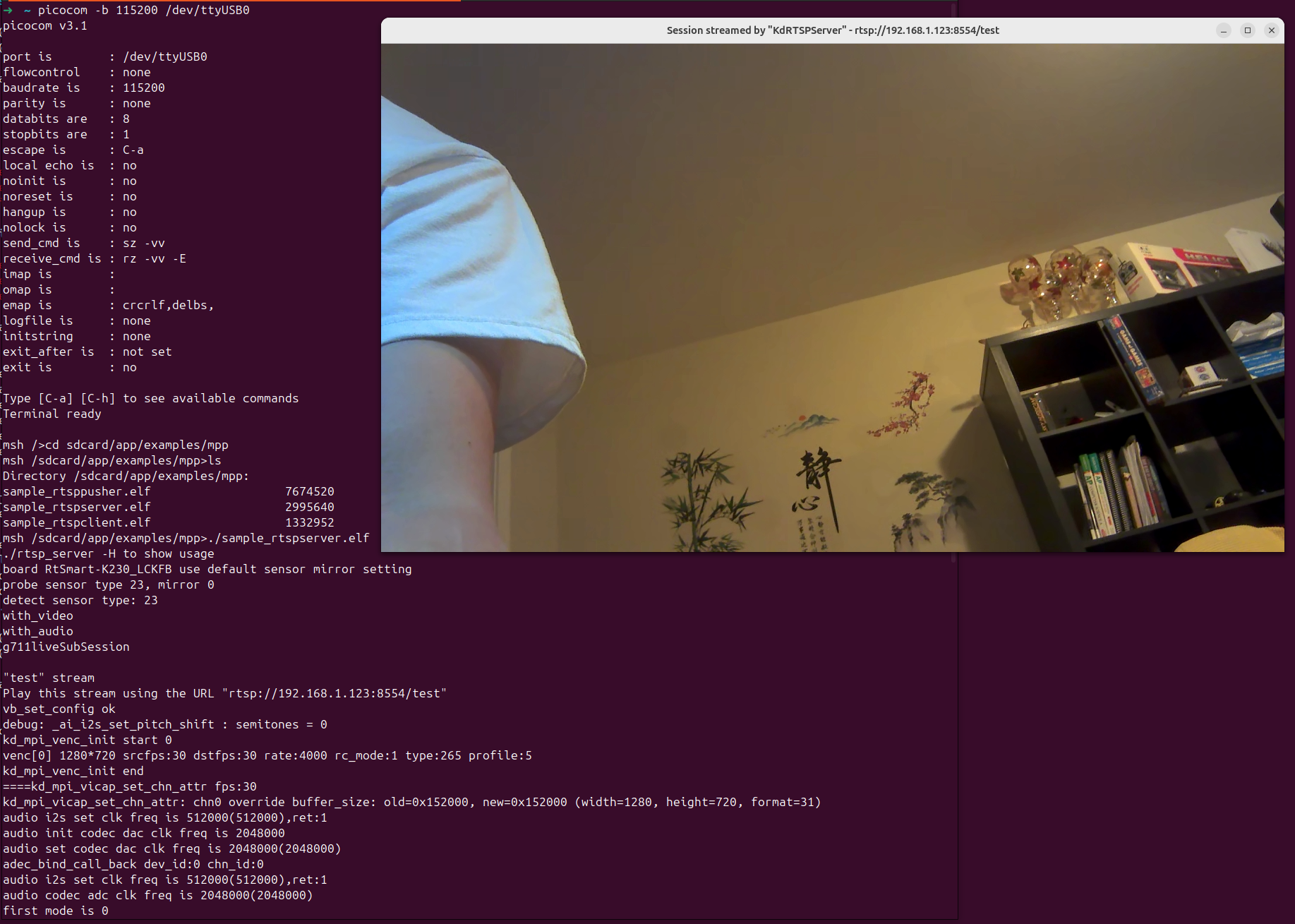
4.3.4 triple_camera_ai_rtsp Demonstration
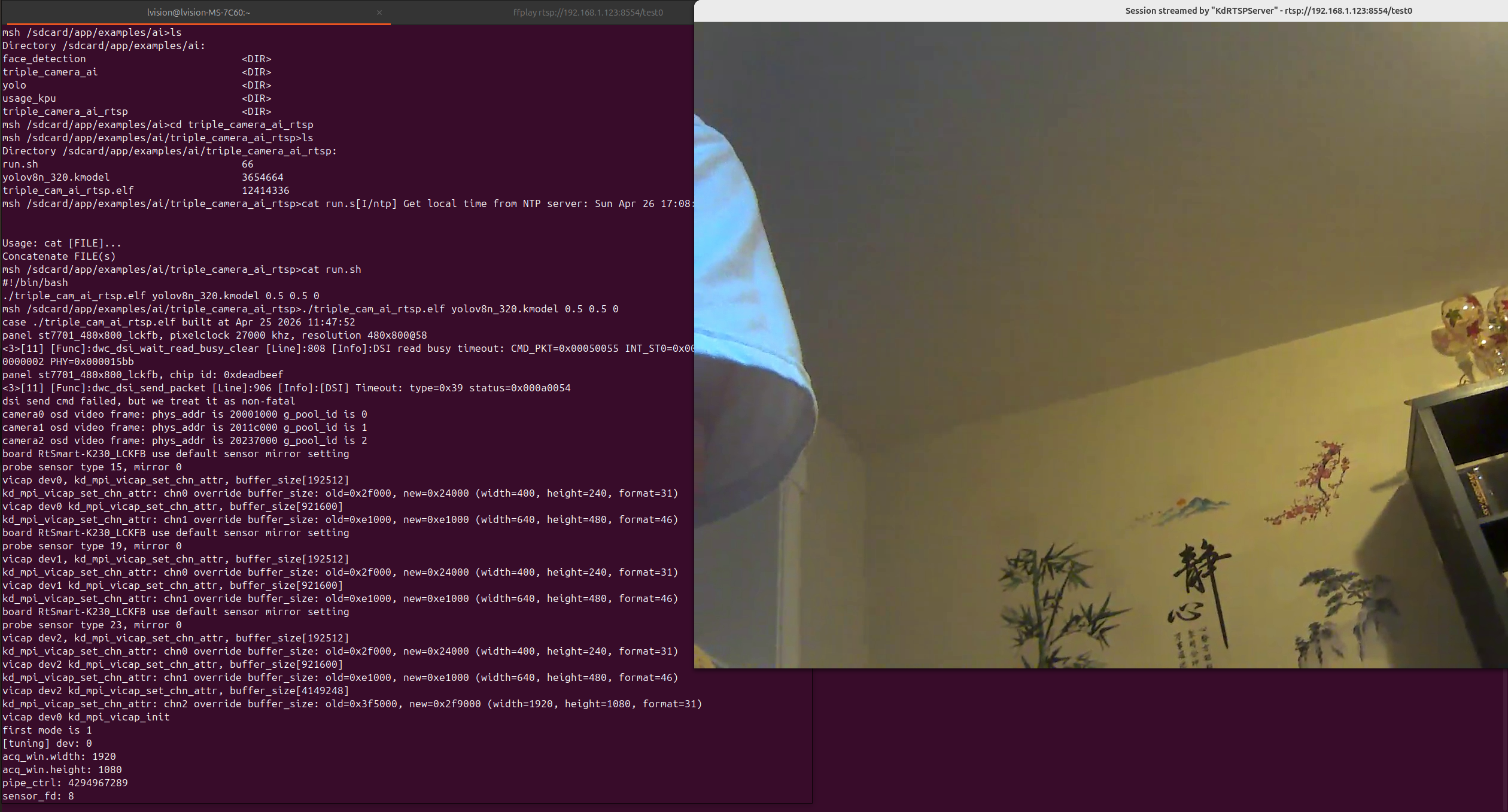
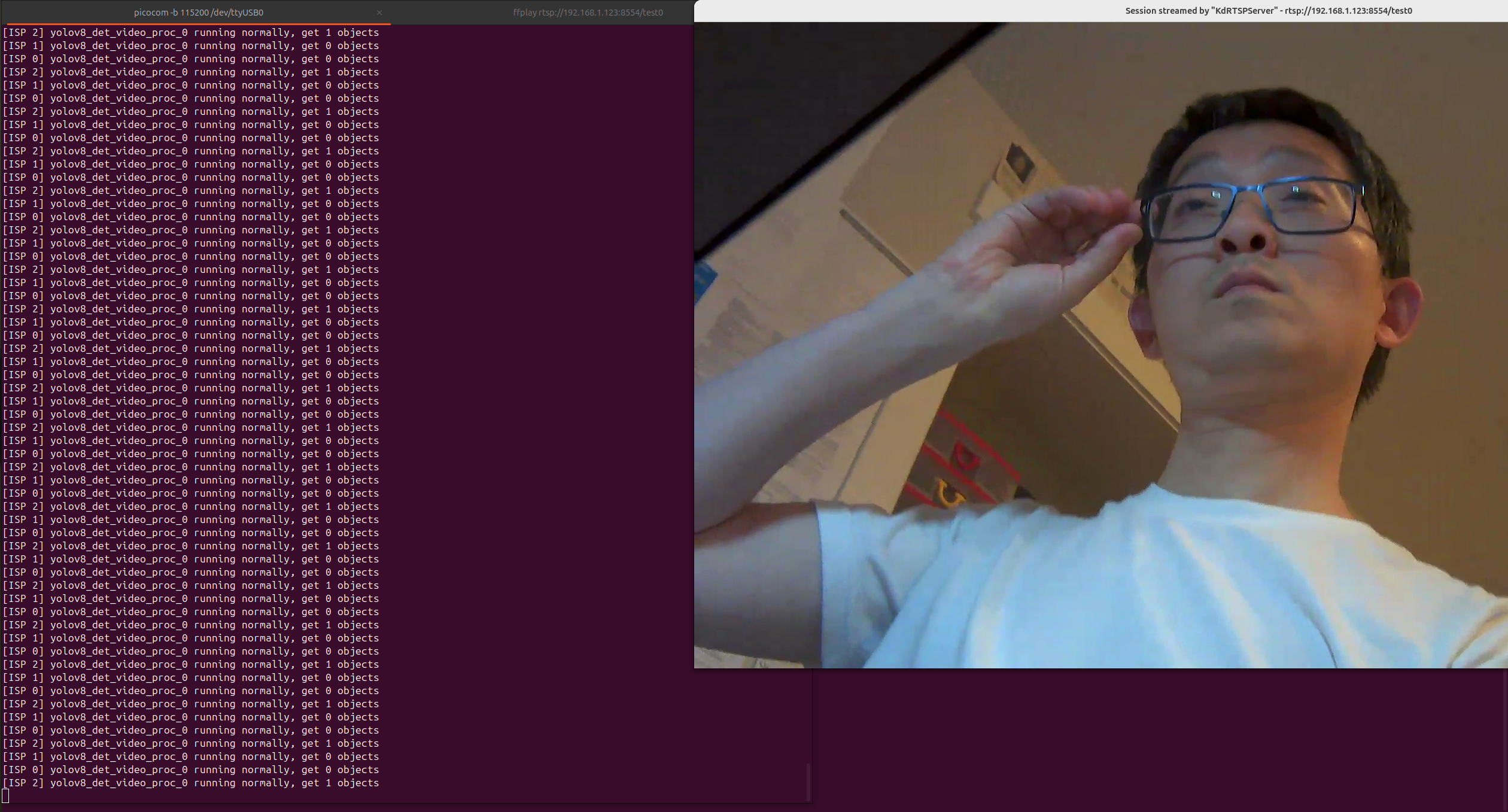
Clearly, ISP2 (camera2) detects my face as a single object of interest.